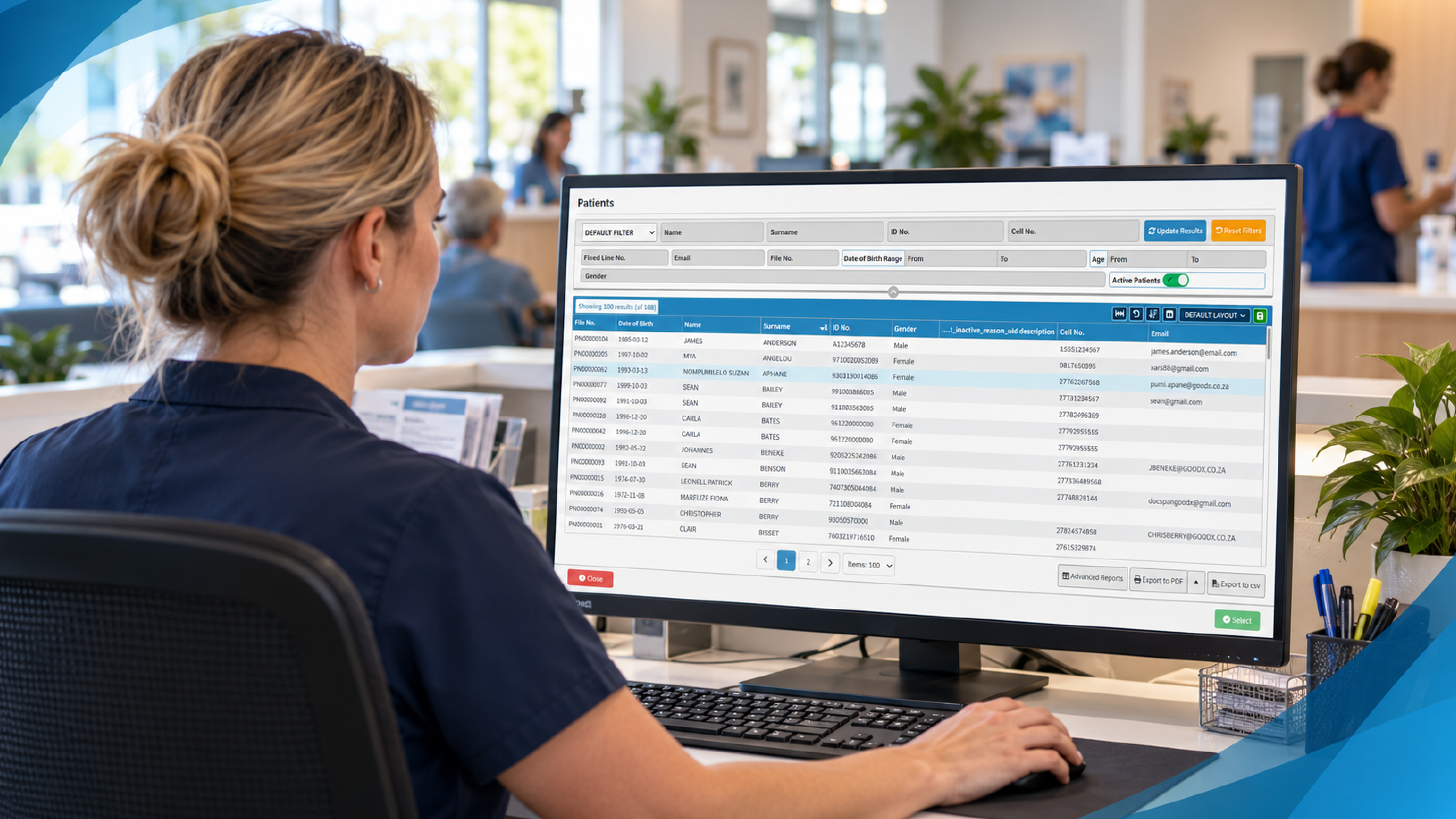
Patient waiting list management is the difference between an empty 2:15pm slot and a full afternoon. Most practices already have a list of people who want to be seen sooner, usually scribbled on a notepad or buried in a recall report. The trick is connecting that list to a cancellation the moment it happens.
Access is the pressure point everywhere. MGMA’s poll on shortening wait times names provider shortages, inefficient scheduling and high no-show rates as the main barriers, and only the last two are within a practice’s control. In New Zealand, where many patients wait weeks for a GP or specialist and others are waiting on Health New Zealand, Te Whatu Ora pathways, a wasted slot is a real loss for someone who needed it.
This article covers a practical routine: how to handle cancellations, how to fill gaps at short notice, and how to automate the messaging so your front desk isn’t ringing round the district.
How to manage appointment cancellations before they leave a hole
Start by accepting that cancellations are normal. Some are unavoidable, like a sick child or a car that won’t start. The damage comes from late notice, so your first job is to make early notice easy.
Put a clear cancellation message in every confirmation: how to cancel, by when, and why it matters. Something like “If you can’t make it, let us know by 4pm the day before so we can offer your time to someone waiting” works far better than a stern policy paragraph. Patients respond to a reason. They don’t respond to threats.
Then make cancelling a one-tap job. If the only way to cancel is to ring during business hours, people simply won’t, and you’ll get a no-show instead. A reply-to-text option or a link to your online booking for medical practices page removes the friction, and MGMA’s look at patient self-scheduling notes that self-service with automated reminders cuts admin work and no-shows alike. It also found that only 11 percent of medical groups say most of their patients use digital self-scheduling, so there’s plenty of room to get ahead.
Reminders are the other half. Industry data suggests multi-touch reminders, for example a text a few days out and another the day before, consistently outperform a single nudge. Ask for a confirmation rather than just sending a notice. A patient who replies “yes” has mentally committed, and one who doesn’t reply tells you early which slots are shaky.
Finally, track the pattern. Run a monthly report of cancellations by day, time, clinician and appointment type. You’ll often find that Monday first thing or the slot straight after school pick-up is where most gaps appear, and that’s where you can adjust your template or lean on a prepaid or deposit model for particular services. These steps all help you reduce no-shows and cancellations before you ever need a backup list.
Filling last-minute appointment slots without the phone marathon
When a gap opens at short notice, speed beats perfection. A slot that’s offered within minutes of being freed has a decent chance of being taken. Offered the next morning, it’s gone.
Build your waitlist deliberately. Every time a patient says “I’d take anything sooner,” ask three things: which days suit, how quickly they can get in, and whether they’re happy to be contacted by text. Record the answers in the booking record, not on a sticky note. A list with clear flags (urgent, flexible, any time Tuesdays) lets you match the right person to the right gap in seconds.
Decide in advance who gets first offer. Clinical urgency should come first, then length of wait, then convenience. Write that order down so every receptionist applies it the same way, and so you can explain it if a patient asks why someone else got the slot. This also fits with the clinical judgement and professional standards expected by the Medical Council of New Zealand, because prioritising on need is easier to defend than first-come-first-served.
Some practices go further and adopt a lighter version of open access. As Physicians Practice explains in its guide to open access scheduling, the model mixes booked appointments with held-back same-day time and sets explicit service promises so patients know what to expect. You don’t need to go all in. Holding two or three same-day slots per clinician, released at a set hour, gives you a ready pool for cancelled appointment rebooking and for urgent patients.
Be realistic about what the schedule can take. Some practices deliberately overbook slightly for appointment types with high cancellation rates, and others run group sessions for conditions like diabetes education. Both work only if you’ve looked at your own data first. Guessing is how you end up with a waiting room full of annoyed people at 11am.
If you want a deeper dive on scheduling design, the AAFP’s seven steps to scheduling success is a sound read, even though it comes from a US family practice context.
Automated waitlist notifications for patients: what to send and when
Manual calling works when you have two people on the list. It falls apart at twenty. Automated waitlist notifications for patients take the repetitive part off your team and make sure every opening gets offered, including the ones that appear at 4:50pm on a Friday.
The best messages are short and specific. Name the clinician, the date and time, and give a simple way to accept, such as a reply or a link. Add a time limit, say 20 minutes, after which the offer passes to the next person. Without a limit, you’ll sit waiting on someone who’s in a meeting and lose the slot anyway.
Send offers in waves rather than blasting the whole list. Message the top two or three matches first, then widen out if nobody bites. That avoids the awkward situation where five patients all say yes to one slot and four of them get a disappointing follow-up. When a slot is taken, confirm it immediately and send the usual reminders, so the new patient is treated like any other booking.
Keep privacy front of mind. Messages should carry the minimum detail needed, so no diagnoses and no reason for the visit. The Office of the Privacy Commissioner provides guidance on the Privacy Act 2020 and the Health Information Privacy Code 2020, and both apply to how you store contact details, choose communication channels and record consent. Ask patients how they’d like to be contacted and respect it.
Predictive tools are starting to appear too. Some systems flag appointments that look more likely to be missed, based on history and lead time, so you can double-check those patients or add them to a smarter backup process. Treat that as a nudge for staff, not a verdict on the patient, and always review who’s being flagged and why.
Don’t forget to close the loop. Report on how many offers went out, how many were accepted and how long each gap stayed empty. If acceptance is low, look at your wording, your timing and your channel before blaming patients.
Where GoodX fits into your waitlist and cancellation routine
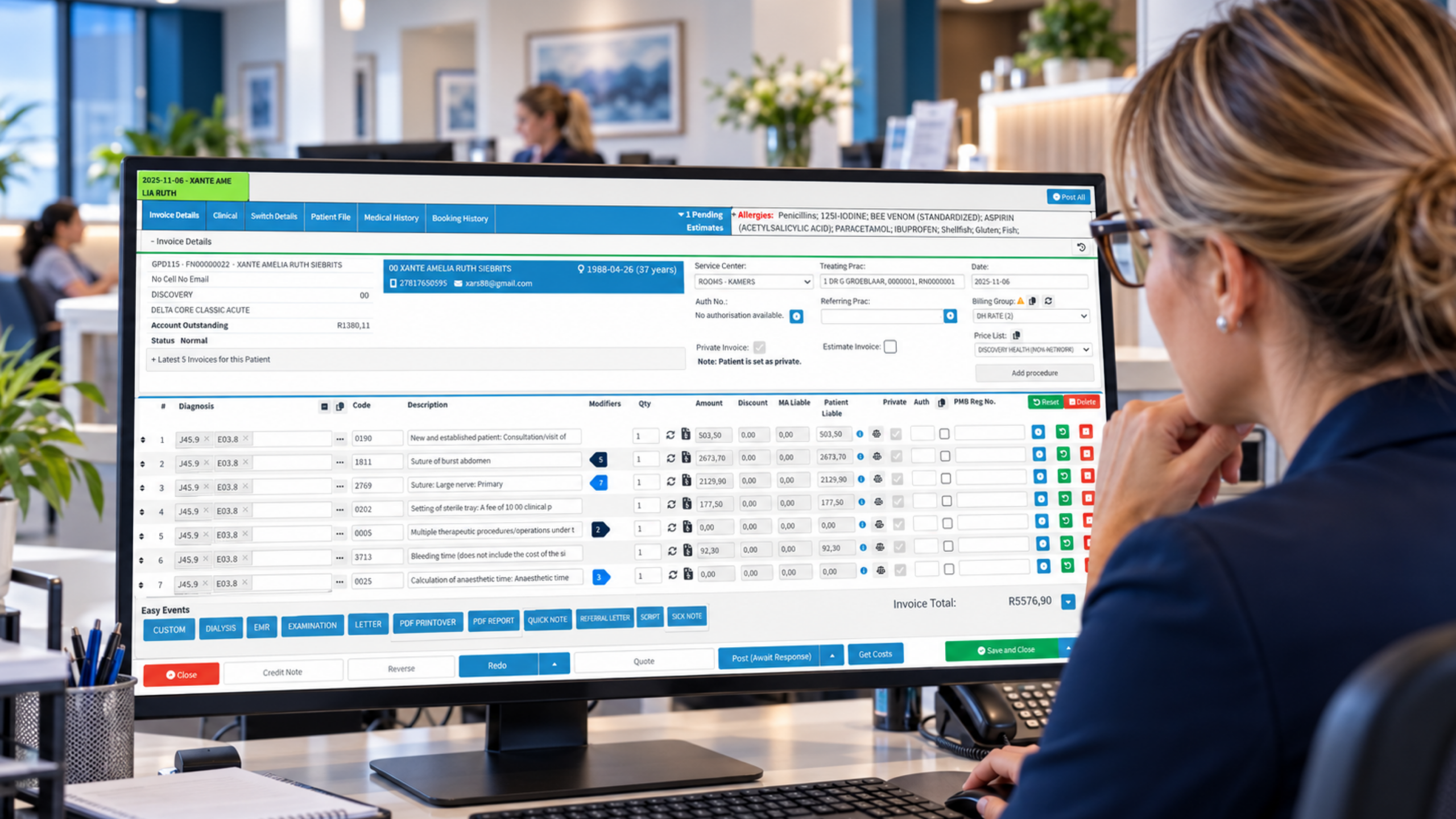
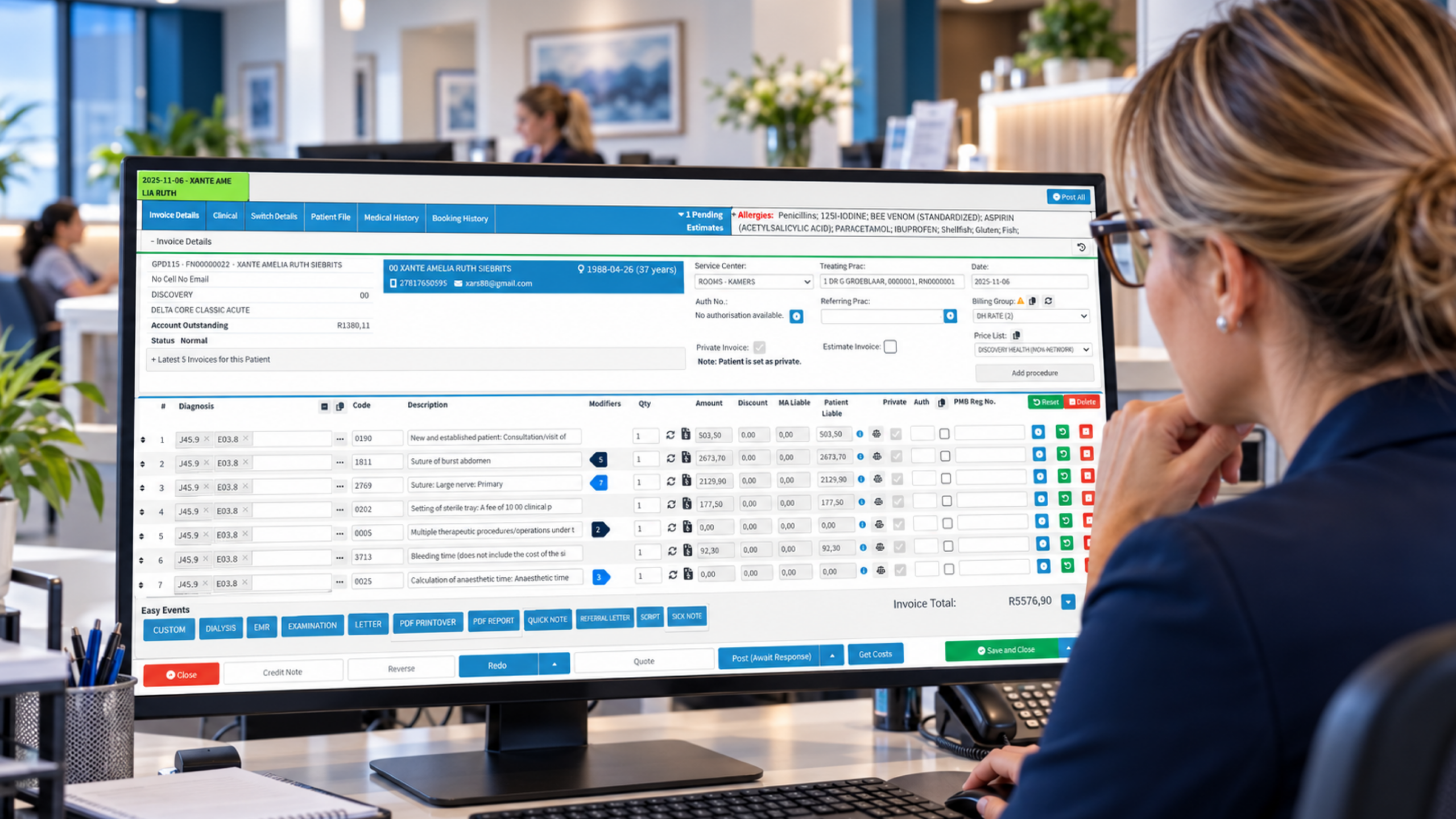
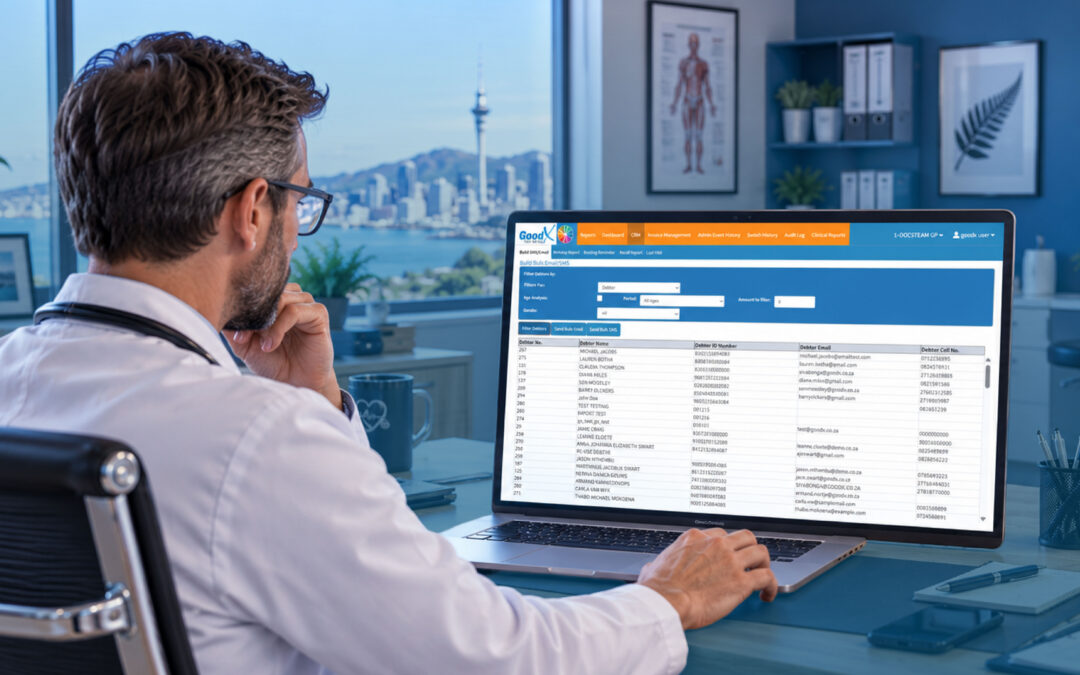
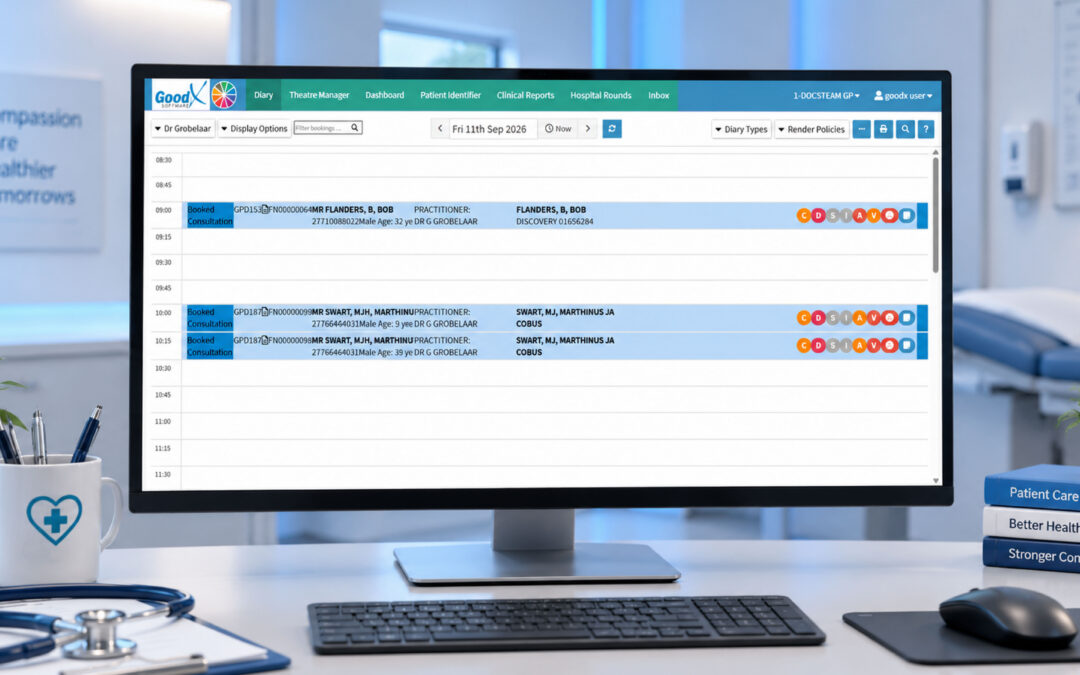
All of the above works best when the diary, patient records, messaging and reporting sit in one place. That’s where GoodX practice management software comes in. Instead of juggling a paper list, a separate text service and a spreadsheet, your team works from one system that knows who’s booked, who’s waiting and who needs to be contacted.
In practical terms, GoodX supports appointment booking, automated reminders and patient communication, so confirmations and follow-ups go out without someone remembering to send them. Clinical records and billing sit alongside the diary, which means that when a cancelled slot is refilled, the right patient details are already there and the account is ready to go. Reporting helps you see cancellation patterns by day, clinician and appointment type, so you can tighten your approach with evidence rather than gut feel.
It also supports the compliance side of running a practice, helping you keep patient information organised and access controlled in line with your privacy obligations. If you’d like to see how this might suit your set-up, [INTERNAL LINK: explore GoodX appointment scheduling -> GoodX appointment booking page] is a good starting point, and [INTERNAL LINK: see how automated patient reminders work -> GoodX patient communication page] covers the messaging side. For practices thinking about the wider picture, [INTERNAL LINK: learn about GoodX reporting tools -> GoodX reporting page] shows how to measure the results.
Software won’t fix a vague process, though. Decide your priority rules, your hold-back slots and your cancellation messaging first, then let the system carry them out consistently.
Frequently Asked Questions
What is patient waiting list management?
Patient waiting list management is the process of keeping a prioritised list of patients who want an earlier appointment, then offering them slots as cancellations occur. Done well, it fills gaps quickly, shortens waits for people who need care, and protects your clinicians’ time and your practice’s income.
How quickly should I offer a cancelled slot to the waitlist?
As soon as the cancellation is confirmed. Offers made within minutes have the best chance of being accepted, while slots offered the next day are rarely filled. Set a short response window, such as 20 minutes, so the offer moves to the next patient if there’s no reply.
Do automated waitlist messages breach patient privacy?
Not if you keep them minimal. Include only the clinician, date and time, avoid any clinical detail, and use the contact method the patient has agreed to. Check your approach against the Privacy Act 2020 and the Health Information Privacy Code 2020, and ask the Privacy Commissioner’s office if unsure.
Should I overbook to cover cancellations?
Only cautiously, and only for appointment types where your own data shows regular late cancellations. A well-run waitlist is usually safer than routine overbooking, because it fills real gaps without creating queues. Review the results monthly and stop if waiting times start to blow out.
How can I reduce no-shows and cancellations at the same time?
Use multi-step reminders with a confirmation request, make cancelling and rescheduling easy through online booking, and explain why early notice matters. Consider prepayment or deposits for high-demand services. Then track results by day and clinician so you can fix the specific weak spots.
Book your free GoodX demo
Ready to see how a connected diary, reminder and waitlist routine could work in your practice? Book a free demo at goodx.co.nz and talk through your cancellation challenges with the team.
Disclaimer: This article is provided for general informational and educational purposes only. While GoodX Software takes reasonable care to ensure that the information is accurate and current at the time of publication, laws, regulations, industry standards, healthcare policies and technology may change. The content should not be regarded as medical, legal, financial or other professional advice. Readers should verify information relevant to their circumstances and consult an appropriately qualified professional where necessary. GoodX Software accepts no responsibility for decisions made or actions taken solely on the basis of this content.