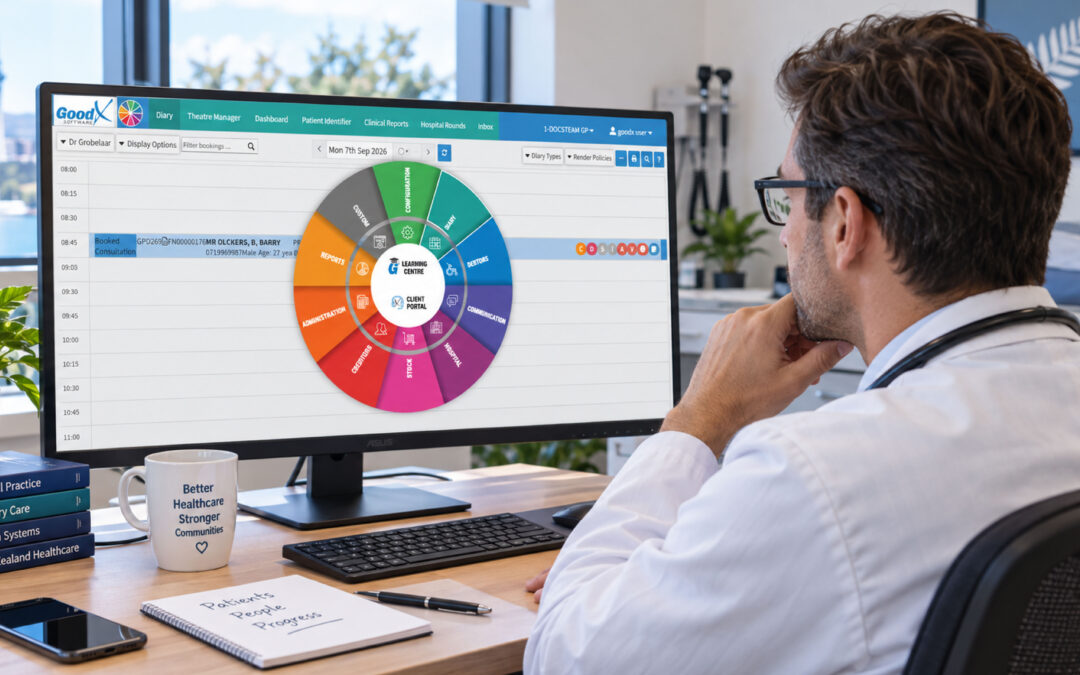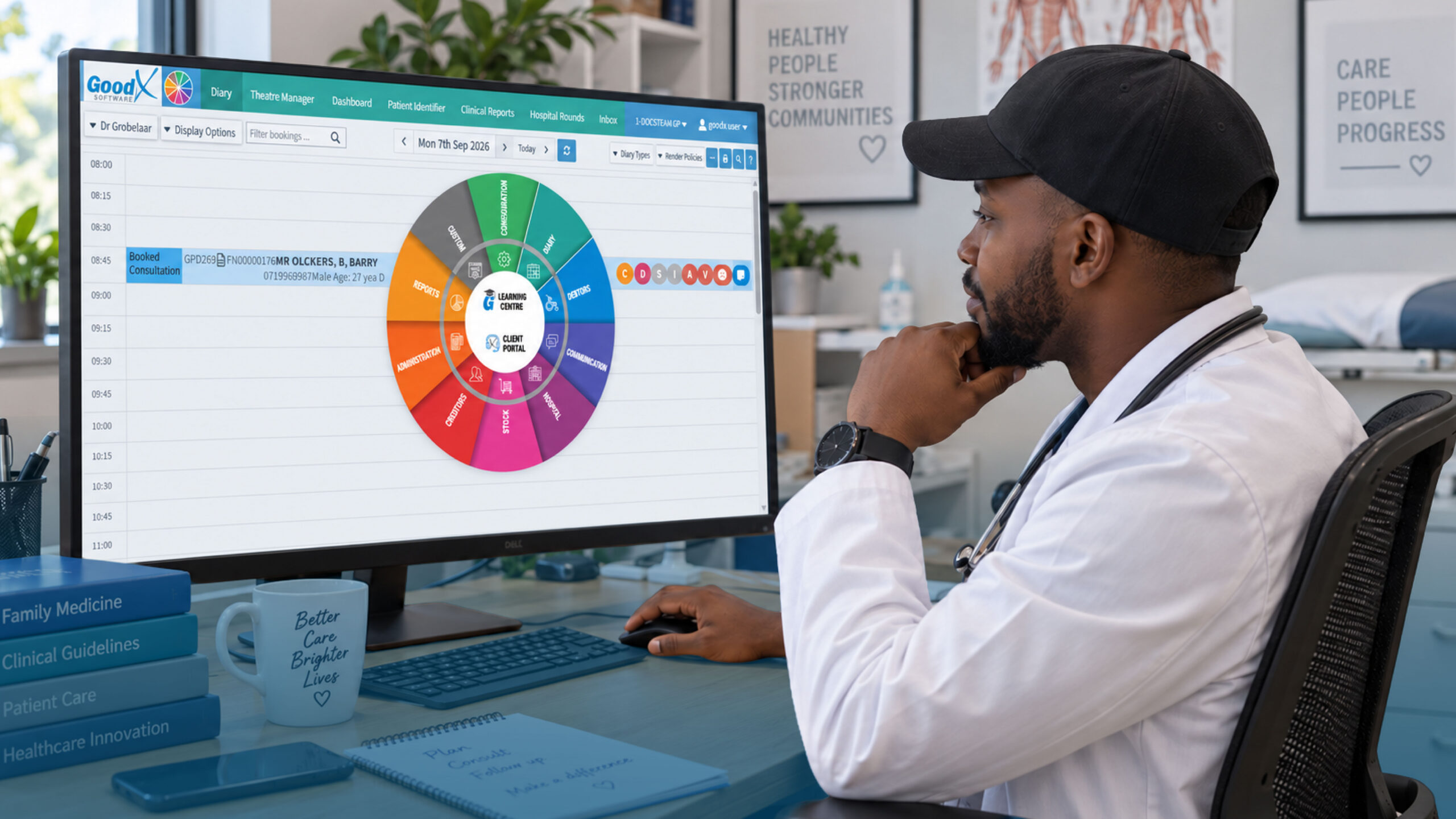
Healthcare CRM System: How New Zealand Practices Can Improve the Patient Journey
A better patient experience often starts long before a patient enters the examination room.
From the first online enquiry and appointment request to reminders, communication, care coordination and follow-up, every interaction can influence how a patient experiences a healthcare organisation.
A healthcare CRM system can help connect these interactions in one place, giving healthcare teams a clearer view of the patient journey while reducing repetitive administrative work.
Instead of managing information across disconnected spreadsheets, emails, phone calls and scheduling processes, teams can use CRM technology to organise patient interactions and automate appropriate workflows.
For healthcare practices in New Zealand, this can be particularly valuable as patients increasingly expect convenient communication and healthcare organisations continue adopting more connected digital systems.
This article explores how a healthcare CRM system can improve the patient journey, where it fits into healthcare operations and what New Zealand practices should consider when choosing a solution.
What Is a Healthcare CRM System?
A healthcare CRM system is a customer relationship management platform adapted to the needs of healthcare organisations.
It helps teams manage relationships and interactions with existing and potential patients throughout different stages of their journey.
Unlike a general CRM used primarily for sales or customer service, healthcare CRM technology can support activities such as:
- Patient enquiries and communication
- Appointment requests and scheduling
- Patient intake and registration
- Follow-up communication
- Patient engagement
- Care coordination
- Educational outreach
- Contact-centre workflows
- Reporting and engagement analysis
The exact capabilities vary between systems.
However, the underlying goal is similar:
Connect patient interactions and make it easier for healthcare teams to deliver a consistent experience.
A healthcare CRM can also integrate with other healthcare technologies, including electronic health records and practice management systems.
This is particularly important because a CRM should complement clinical systems rather than replace the systems responsible for clinical records.
Understanding the Patient Journey
The patient journey is the series of interactions a person has with a healthcare organisation.
It can begin when someone searches for a provider or submits an online enquiry.
From there, the journey may include:
Awareness → Enquiry → Appointment → Intake → Visit → Follow-up → Ongoing engagement
Each stage creates opportunities for healthcare organisations to make the experience easier and more responsive.
It also creates opportunities for things to go wrong.
A missed message, delayed response, incomplete intake information, scheduling error or forgotten follow-up can create unnecessary friction for both patients and staff.
This is where a healthcare CRM system can provide value.
1. Improve the First Patient Interaction
The patient journey often begins before the first appointment.
A prospective patient may contact a healthcare organisation through a website, telephone call, email, online form or another communication channel.
If these interactions are managed separately, staff may struggle to maintain a consistent view of what has already happened.
A healthcare CRM system can help centralise relevant interactions and organise incoming enquiries.
For example, a CRM can help teams track:
- When a patient first contacted the organisation
- The reason for the enquiry
- Appointment requests
- Previous communications
- Follow-up requirements
- Referral-related information
- The next appropriate administrative action
This can help reduce the chances of an enquiry being overlooked.
The result is a more organised starting point to the patient journey.
2. Make Appointment Scheduling More Efficient
Scheduling is one of the most important administrative stages of the patient journey.
Patients generally want the process to be simple:
Find an appropriate appointment.
Select a suitable time.
Provide the necessary information.
Receive confirmation.
Healthcare CRM systems can support scheduling workflows by helping teams organise appointment requests and follow-ups.
Depending on the system and its integrations, scheduling functionality may include:
- Appointment requests
- Automated reminders
- Scheduling workflows
- Follow-up notifications
- Provider availability information
- Integration with other healthcare software
Automation can reduce repetitive administrative tasks while helping healthcare staff manage scheduling more consistently.
However, automation should be implemented carefully.
Healthcare scheduling often involves provider-specific requirements, appointment types and other considerations that should be incorporated into the workflow.
3. Simplify Patient Intake and Registration
Patient intake can involve collecting demographic information, health history, consents, payment information and other documentation.
When this process is heavily manual, patients may need to provide the same information multiple times.
Staff may also spend considerable time entering or organising information.
A healthcare CRM system can support intake and registration workflows by helping organise information and automate appropriate administrative steps.
For example, a system may help teams:
- Track whether required information has been received
- Manage registration workflows
- Organise patient communications
- Send reminders about outstanding administrative requirements
- Coordinate information between relevant systems
The objective isn’t simply to collect more data.
The objective is to make the process clearer and easier for both patients and healthcare teams.
4. Strengthen Patient Communication
Communication is present throughout almost every stage of the patient journey.
Patients may need appointment confirmations, reminders, instructions, educational information, follow-up messages or answers to administrative questions.
A healthcare CRM system can help bring different communication activities together.
Depending on the platform, this may include communication through:
- SMS
- Telephone
- Web chat
- Patient portals
- Other digital channels
Centralising interactions can give authorised staff greater context when communicating with patients.
Instead of asking a patient to repeatedly explain their situation, staff may be able to review relevant previous interactions and understand what action is required.
That can make communication feel more consistent, timely and personalised.
5. Support Better Patient Engagement
Patient engagement extends beyond simply communicating appointment information.
Healthcare organisations can use CRM capabilities to support educational and engagement initiatives based on appropriate patient information and segmentation.
For example, organisations may develop targeted communications around:
- Health education
- Preventive care
- Follow-up activities
- Relevant services
- Appointment reminders
- General wellness information
Personalisation can make communications more relevant than sending identical messages to every patient.
At the same time, New Zealand healthcare organisations need to consider privacy, consent, security and the appropriateness of communications involving health information.
More communication is not automatically better communication.
The goal should be useful, timely and appropriate engagement.
6. Reduce Missed Follow-Ups
The patient journey doesn’t end when an appointment ends.
Follow-up can be an important part of ongoing patient engagement and care coordination.
Administrative teams may need to contact patients, arrange another appointment, send information or complete another task.
A healthcare CRM system can help track these activities.
Automated workflows can remind staff about outstanding actions and, where appropriate, trigger patient communications.
This can reduce reliance on:
- Memory
- Spreadsheets
- Sticky notes
- Manually maintained lists
- Disconnected inboxes
For growing healthcare organisations, this can become particularly valuable because the number of patient interactions can increase quickly.
7. Connect Teams Around Patient Interactions
Healthcare organisations often involve multiple teams and departments.
Front-office staff, contact centres, administrative teams, care coordinators and other authorised users may interact with patients at different stages.
Without a connected system, information can become fragmented.
A healthcare CRM can provide a centralised view of relevant patient interactions and help teams coordinate their activities.
This can be especially useful when a patient moves between different stages of the journey.
For example:
Enquiry → Scheduling → Registration → Appointment → Follow-up
Instead of each stage operating in isolation, CRM workflows can help connect the administrative journey.
8. Use Automation to Save Time
Administrative work can consume significant amounts of staff time.
Healthcare CRM automation can help handle repetitive processes such as:
- Appointment reminders
- Follow-up notifications
- Data synchronisation
- Task assignments
- Communication workflows
- Patient enquiry routing
- Registration reminders
Automation doesn’t mean removing people from the patient experience.
In many cases, the purpose is the opposite:
Give healthcare staff more time to focus on interactions that require human judgement and attention.
A well-designed workflow can handle routine tasks while allowing staff to intervene when a situation requires a personal response.
9. Provide a More Consistent Patient Experience
Patients can interact with a healthcare organisation through many different channels.
They might speak to a receptionist in the morning, receive an email later that day, complete an online form and speak with another member of staff the following week.
If each interaction is disconnected, the experience can feel fragmented.
A healthcare CRM system can help create continuity by maintaining an organised history of relevant interactions.
This doesn’t mean every employee should have unrestricted access to every piece of patient information.
Access controls and appropriate security measures are essential in healthcare.
Instead, authorised users should have access to the information they need to perform their role.
10. Support Reporting and Continuous Improvement
One of the less visible benefits of CRM technology is the ability to analyse patient engagement and operational activity.
Healthcare organisations can use reporting capabilities to examine areas such as:
- Patient enquiries
- Appointment activity
- Communication engagement
- Follow-up activity
- Workflow performance
- Response times
- Operational trends
This information can help organisations identify where patients may be experiencing unnecessary friction.
For example, if a large number of appointment enquiries require repeated staff intervention, the organisation may investigate whether the scheduling process can be improved.
The goal isn’t simply to collect metrics.
The goal is to use information to improve the patient experience and operational processes over time.
Healthcare CRM System vs EHR: What’s the Difference?
A common question is whether a healthcare CRM replaces an EHR.
Generally, these technologies serve different purposes.
An EHR is designed primarily to manage and document clinical information and patient health records.
A healthcare CRM system, on the other hand, focuses more heavily on relationships, interactions, engagement, communication, administrative workflows and the broader patient experience.
The two systems can work together.
For example:
Healthcare CRM: manages patient interactions, engagement, communications, scheduling workflows and follow-up.
EHR: maintains the clinical record and relevant medical information.
Integration between systems can help healthcare organisations create more connected workflows while keeping the appropriate system responsible for the appropriate type of information.
Security and Privacy Matter in New Zealand Healthcare
Healthcare CRM systems can handle sensitive information, so security should be a central consideration when evaluating any platform.
For New Zealand healthcare organisations, privacy obligations may include requirements under the Privacy Act 2020 and the Health Information Privacy Code 2020 when handling identifiable health information.
The Health Information Privacy Code contains specific rules for health information and applies to health agencies including doctors, nurses, dentists, pharmacists and other healthcare organisations.
When evaluating a healthcare CRM, organisations should carefully examine features such as:
- User permissions
- Authentication controls
- Audit logging
- Data encryption
- Access management
- Session security
- Data integration controls
- Vendor security practices
- Data storage and hosting
- Data retention
It is also important to understand that purchasing software marketed as “secure” or “compliant” does not, by itself, make an organisation’s entire use of the software compliant.
Compliance depends on how technology is configured, integrated, accessed and used, as well as the organisation’s policies and procedures.
Healthcare organisations should therefore conduct appropriate privacy, security, legal and technical assessments before implementing a CRM.
What Should You Look for in a Healthcare CRM System?
The right healthcare CRM system depends on the organisation’s size, workflows, patient population, existing technology and objectives.
Before selecting a platform, consider:
Ease of Use
Healthcare teams are busy.
A complicated system can create more administrative work instead of reducing it.
Look for an intuitive interface and workflows that match how staff actually work.
Integration
A CRM should fit into the existing technology environment.
Consider whether it can integrate with relevant EHR, practice management, scheduling, communication and other systems.
Patient Engagement Capabilities
Look at whether the system supports the communication and engagement workflows your organisation actually needs.
Security and Privacy
Evaluate permissions, authentication, encryption, auditing and other security controls carefully.
For New Zealand organisations, also consider how the system supports applicable privacy obligations when handling health information.
Scalability
A system that works for a small practice today may need to support substantially more users, interactions, locations or workflows in the future.
Reporting
Choose a platform that can provide meaningful information about patient interactions and operational performance.
The Future of the Patient Journey Is Connected
Healthcare has become increasingly digital, but technology alone does not create a better patient experience.
The real opportunity comes from connecting the right processes.
A healthcare CRM system can help organisations bring patient enquiries, scheduling, communication, intake, follow-up, engagement and reporting into more coordinated workflows.
For New Zealand healthcare practices, this can support a more connected administrative experience while helping staff manage growing volumes of communication and follow-up.
When implemented thoughtfully, CRM technology can reduce repetitive administrative work, improve communication and help healthcare teams understand the patient journey more clearly.
The most effective approach is not to automate everything.
It is to automate the right things, protect sensitive information, connect systems appropriately and preserve the human element of healthcare.
Conclusion
The patient journey is made up of many individual interactions, and even small points of friction can affect the overall experience.
A healthcare CRM system can help New Zealand healthcare organisations create a more connected journey, from the first enquiry through appointment scheduling, intake, communication, engagement and follow-up.
Its value comes from more than storing information.
When integrated appropriately with other healthcare technologies, a CRM can help teams organise interactions, automate routine processes, coordinate workflows and use data to identify opportunities for improvement.
For healthcare organisations considering CRM technology, the key is to start with the patient journey itself.
Identify where patients experience friction, understand where staff lose time, evaluate the systems already in place, and then determine where a healthcare CRM can genuinely improve the experience.
That patient-first approach can turn CRM technology from another piece of software into a practical tool for creating a smoother, more connected healthcare experience.
Want to see how GoodX can support your healthcare practice? Contact our team to book your free GoodX demo.
Disclaimer
This article is provided for general informational and educational purposes only. While GoodX Software takes reasonable care to ensure that the information is accurate and current at the time of publication, laws, regulations, healthcare policies and technology may change. The content should not be regarded as medical, legal, financial or other professional advice. New Zealand healthcare organisations should verify information relevant to their circumstances and seek appropriate professional advice where necessary. GoodX Software accepts no responsibility for decisions made or actions taken solely on the basis of this content.