The best ACC billing software is the one that fits the way claims move through your practice, from the first consult to the final payment. A tool that looks polished in a demo but forces your nurses to retype injury details will cost you more in lost time than it saves. This guide gives you a practical way to test options against your own workflow.
Most practices in New Zealand deal with ACC every day. Injury consults, follow-ups, physio referrals and procedures all generate claims with their own rules and paperwork. So the question isn’t “does it have ACC features?” but “does it handle my ACC work with the fewest touches?”
Start by mapping your current process on one sheet of paper. Note who registers the injury, who completes the claim, who checks the invoice and who chases what’s unpaid. Every handover you mark is a place where software should either help or stay out of the way.
ACC Claim Management Software: What to Test Beyond the Sales Demo
Good ACC claim management software starts at the front desk, not the billing office. Ask how it captures the injury date, the mechanism of injury, the read codes or diagnosis details and the patient’s NHI and contact information at the point of care. If the clinician enters the same details twice, once in the notes and again on the claim, you’ve found your first leak.
Then look at lodgement. ACC claim lodgement should be possible from within the consult, with the system flagging missing fields before anything is sent. A rejected or queried claim means a phone call, a re-entry and a delay of days, so catching a blank field in the room is worth far more than fixing it a fortnight later.
Coding matters here too. Diagnosis codes need to match what was done, and any correction should go back to the treating clinician for approval rather than being quietly changed by admin staff. The World Health Organization’s ICD classification is a useful reference point for understanding how diagnosis coding is structured, even though your day-to-day ACC coding will follow local requirements.
Ask the vendor to walk you through three awkward cases:
- A patient who returns for a follow-up on an existing claim
- A claim that needs additional information after lodgement
- A consult where ACC covers only part of the treatment and the patient pays the rest
If the answer to any of these is “you’d handle that manually”, take note. Those are the situations your team meets every week.
Finally, think about ACC compliance for providers. You need a clear record of who lodged what, when, and on what clinical basis. An audit trail that’s built in will save you a stressful scramble if ACC ever queries a claim.
ACC Invoicing and Payment Tracking: Where Cash Flow Is Won or Lost
Lodging a claim is only half the job. The money still has to arrive, and arrive against the right invoice. Strong ACC invoicing and payment tracking means you can see, at a glance, what’s been billed, what’s been paid, what’s part-paid and what’s gone quiet.
Test how the software handles remittances. Can payments be matched to invoices in bulk, or does someone tick them off one at a time? A practice lodging a few hundred ACC invoices a month can lose hours to manual reconciliation, and that’s before anyone has looked at the unpaid ones.
Ageing reports are the next thing to check. Physicians Practice suggests reviewing receivables monthly and chasing unpaid claims well before deadlines bite, and that advice translates neatly to ACC. Your software should show you which invoices have passed 30, 60 and 90 days without a payment, and let you act on them without exporting to a spreadsheet.
It’s also worth separating declined or queried claims from routine billing. Give one person, even part-time, responsibility for working through them. Software that can filter and assign those items makes that role realistic; software that buries them in a general list makes it a chore nobody wants.
Don’t overlook the patient side. Many consults involve a co-payment on top of the ACC contribution, and your system should split the two cleanly so the front desk collects the right amount at the time of service. Collecting at the time of service is one of the simplest ways to protect cash flow, as Physicians Practice’s guidance on monitoring revenue cycle performance also points out.
Practice Management Software With ACC Integration: Questions to Ask Vendors
Standalone billing tools often create a new problem: they sit beside your clinical system rather than inside it. Practice management software with ACC integration should connect bookings, clinical notes, claims and invoices so that information is entered once and flows where it’s needed.
That’s where electronic health records integration earns its keep. If the consult note, the claim and the invoice all draw from the same record, there are fewer mismatches between what was documented and what was billed. It also means a clinician can open a patient’s file and see claim status without asking reception.
Privacy deserves a direct question, not a brochure answer. Ask where data is stored, how access is controlled and how the system supports your obligations under the Privacy Act 2020. The Office of the Privacy Commissioner has clear guidance on health information, and your vendor should be comfortable discussing it.
A few other questions are worth asking before you sign anything:
- How is the software updated when ACC changes its requirements, and who tells you?
- What reports can you build on claim volume, time to payment and rejection rates?
- How long does onboarding take, and will someone help move your existing data?
- What happens to your team’s workflow on the day something goes wrong?
On reporting, look for dashboards that go beyond a monthly income total. MGMA’s thinking on financial metrics and KPIs makes a strong case for tracking visits, productivity and denial detail together. For an ACC-heavy practice, that means knowing which claim types get queried most and which clinicians’ notes trigger the most follow-up.
Finally, ask for a reference from a practice similar to yours in size and specialty. A busy six-doctor general practice and a two-person physio clinic will stress the software in different ways.
Where GoodX Fits Into Your ACC Billing Workflow
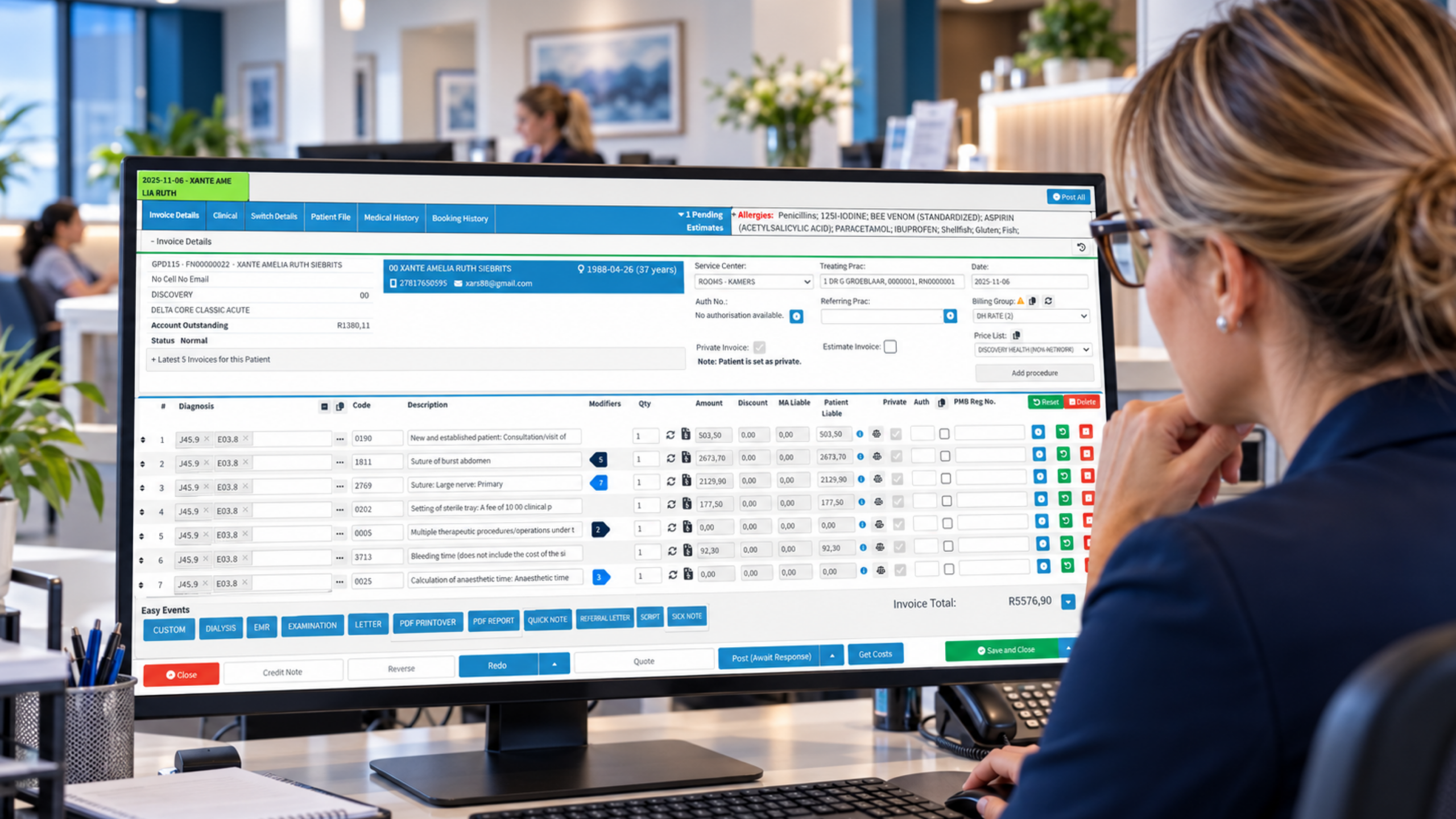
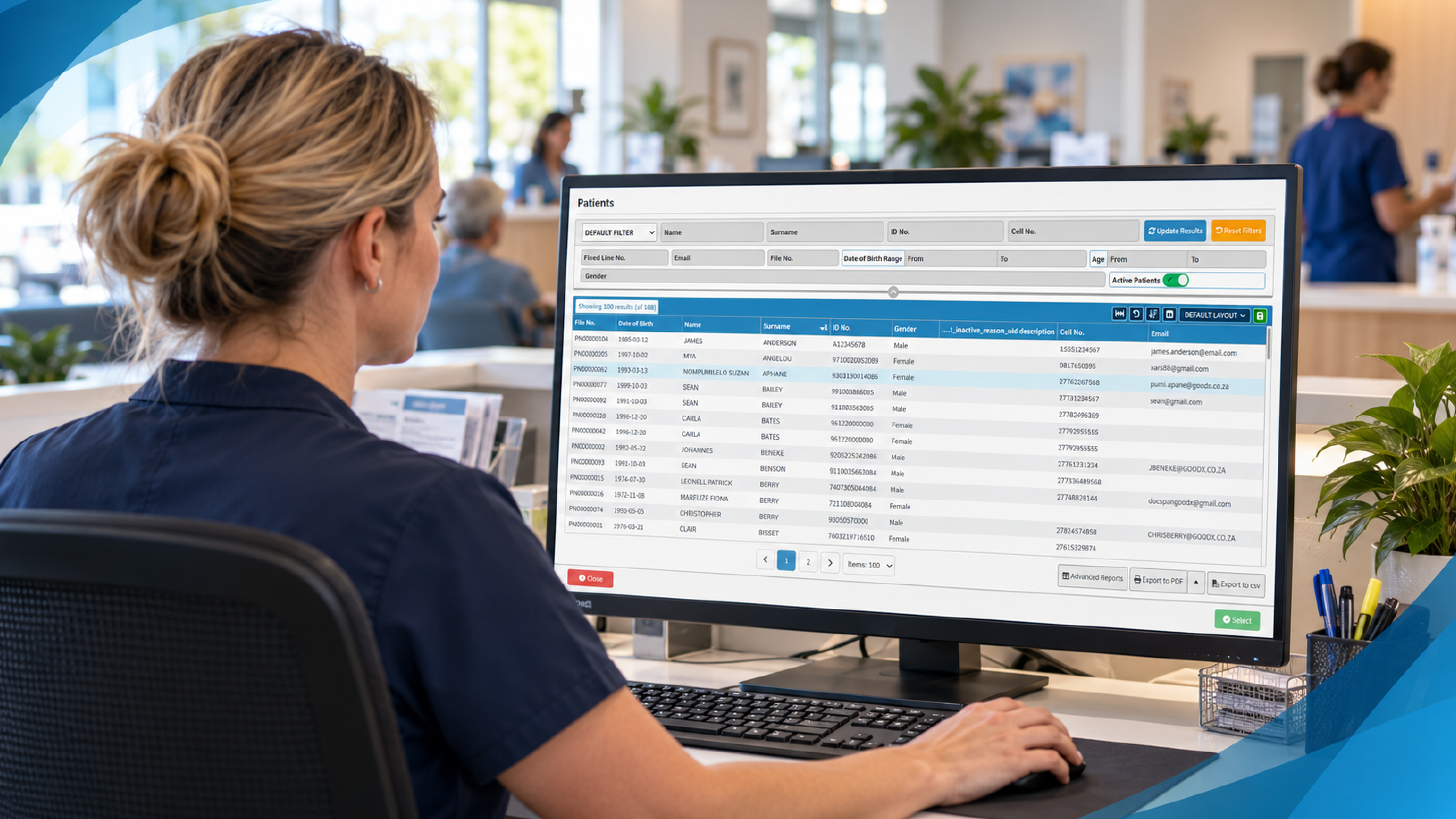
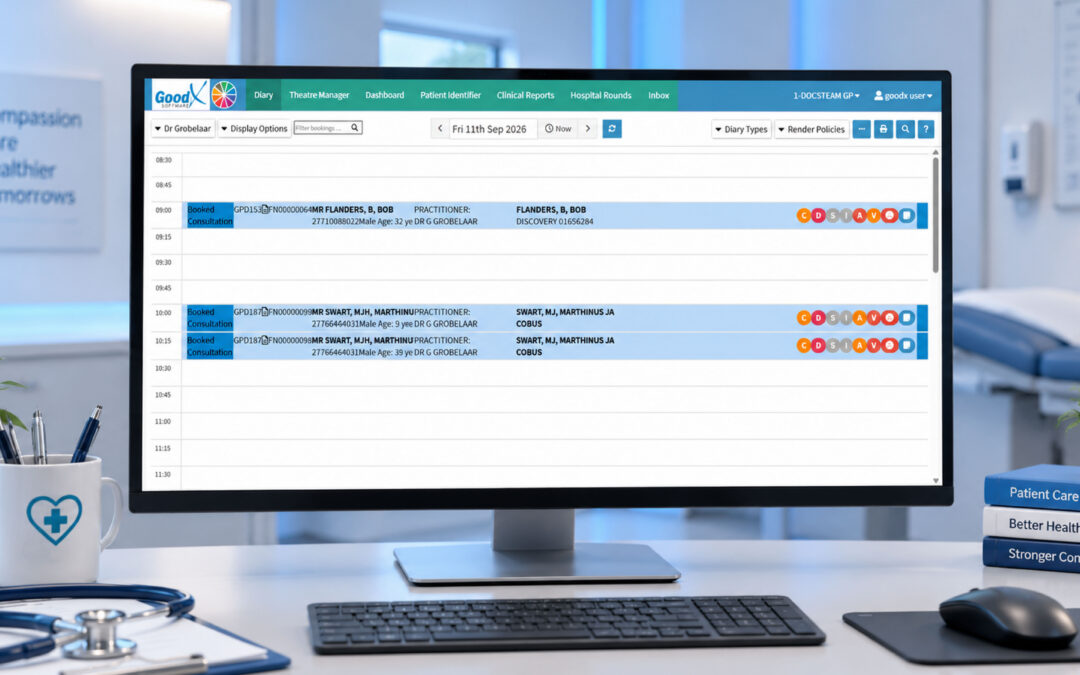
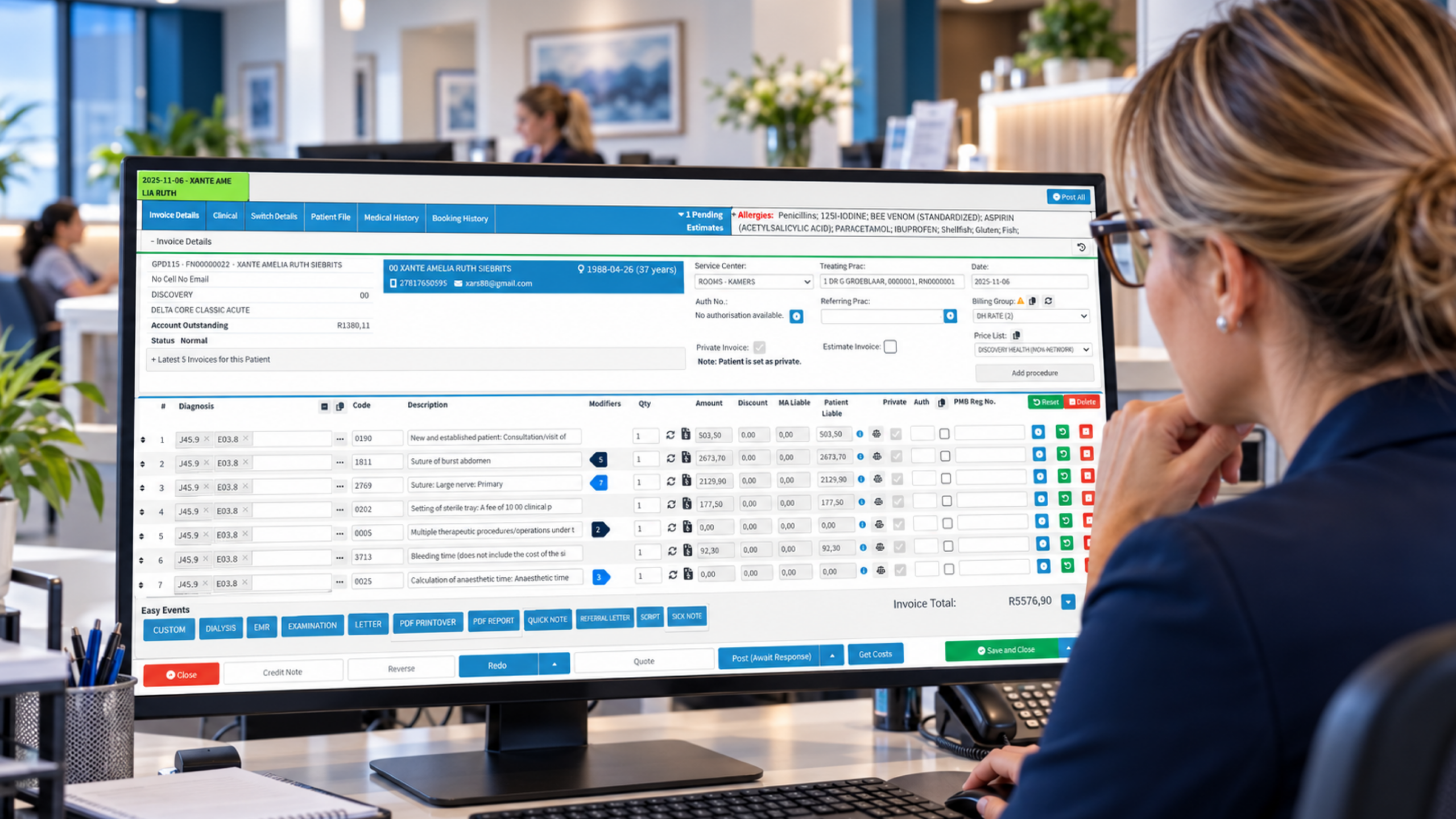
GoodX is practice management software built to bring bookings, clinical records, billing and reporting into one system, so ACC work doesn’t live in a separate silo. For practices that want fewer handovers, that joined-up approach is the point. Details entered at the booking or consult can carry through to claims and invoices rather than being retyped.
On the billing side, GoodX supports claim and invoice workflows with automation to cut repetitive admin, and reporting to help you see what’s outstanding and where delays are building. Combined with clinical records in the same system, your team has one place to check what was done, what was billed and what’s still owed. [INTERNAL LINK: GoodX billing and claims features -> GoodX billing and claims page]
Compliance and security matter as much as speed. A system that records who accessed or changed a record helps you meet your obligations to patients and to professional bodies such as the Medical Council of New Zealand, whose standards on record-keeping and confidentiality apply to every doctor in your practice. [INTERNAL LINK: GoodX clinical records and security -> GoodX clinical records page]
The most reliable way to judge fit is to see it with your own scenarios. Bring your awkward cases, your part-paid claims and your follow-up consults to a demo, and watch how each is handled. [INTERNAL LINK: see GoodX in action -> GoodX demo page]
Frequently Asked Questions
What should ACC billing software do at minimum?
It should let you capture injury details once, lodge ACC claims from the consult, flag missing information before submission, generate invoices and track payments. Beyond that, look for audit trails, ageing reports and a clear way to manage queried or declined claims without manual spreadsheets.
Is standalone billing software or an integrated system better?
Integrated systems usually win for busy practices because bookings, clinical notes, claims and invoices share one record. That cuts double entry and mismatches between documentation and billing. Standalone tools can work for very small practices, but check how data moves between systems before committing.
How do I measure whether new software is improving ACC billing?
Track time from consult to claim lodgement, the share of claims queried or rejected, days to payment and the value of invoices unpaid beyond 60 days. Record these for a few months before switching so you have a fair baseline for comparison.
How can I protect patient privacy when using ACC billing software?
Choose software with role-based access, audit logs and clear data storage practices, and confirm how it supports your duties under the Privacy Act 2020. Train staff to access only what they need, and review user permissions regularly, especially when people change roles or leave.
How long does it take to switch ACC billing systems?
It depends on your size and data volume, but plan for weeks rather than days. You’ll need time for data migration, staff training and parallel checks. Avoid switching during your busiest period, and ask vendors for a realistic onboarding timeline in writing.
Book your free GoodX demo
Ready to see how your ACC workflow could run with fewer handovers and clearer payment tracking? Book a free demo at goodx.co.nz and bring your own tricky claim scenarios along. We’ll show you how they’d be handled.
Disclaimer: This article is provided for general informational and educational purposes only. While GoodX Software takes reasonable care to ensure that the information is accurate and current at the time of publication, laws, regulations, industry standards, healthcare policies and technology may change. The content should not be regarded as medical, legal, financial or other professional advice. Readers should verify information relevant to their circumstances and consult an appropriately qualified professional where necessary. GoodX Software accepts no responsibility for decisions made or actions taken solely on the basis of this content.