Clinic Management System Features – Essential Clinic Management System Features for NZ Practices
Choosing the right clinic management system can have a major impact on how efficiently a healthcare practice operates. The best clinic management system features don’t simply help staff store information—they bring clinical, administrative and patient-facing workflows together so teams can spend less time managing processes and more time supporting patients.
For New Zealand practices, the decision is particularly important as healthcare becomes increasingly digital and practices need systems that can manage patient information, appointments, clinical documentation, reporting, communication and information sharing.
But there is an important lesson from research into New Zealand practice management systems: having a feature does not automatically mean a practice will benefit from it. Staff need to understand the functionality, the system needs to be usable, and the technology needs to fit the practice’s real workflow.
So, what should New Zealand practices look for?
What Is a Clinic Management System?
A clinic management system is software that helps healthcare practices manage their day-to-day clinical and administrative operations.
Depending on the platform, it can bring together functions such as:
- Patient management
- Electronic health records
- Appointment scheduling
- Clinical documentation
- Referrals and correspondence
- Patient recalls
- Reporting and analytics
- Billing and administration
- Patient communication
- Electronic information sharing
- Security and access controls
The aim is to create a more connected workflow rather than forcing staff to move between numerous disconnected systems.
For a growing practice, this can be particularly valuable. When appointments, patient information, clinical notes and administrative processes are connected, staff can spend less time duplicating information and searching for data.
1. Electronic Patient Records
Electronic patient records are among the most important clinic management system features.
A modern system should allow authorised healthcare professionals to access relevant patient information quickly and efficiently.
Depending on the system and applicable information-sharing arrangements, patient information may include:
- Medical conditions
- Allergies and intolerances
- Vital signs
- Clinical notes
- Medications
- Test results
- Immunisation information
- Referrals
- Previous consultations
- Relevant medical history
Health New Zealand’s work on the Shared Digital Health Record illustrates why accessible health information is increasingly important. The initiative is designed to make core health information available to authorised healthcare professionals when it can support patient care.
For a patient receiving care away from their usual practice, having important information available can help a clinician make better-informed decisions without relying entirely on the patient’s memory.
2. Patient Information at a Glance
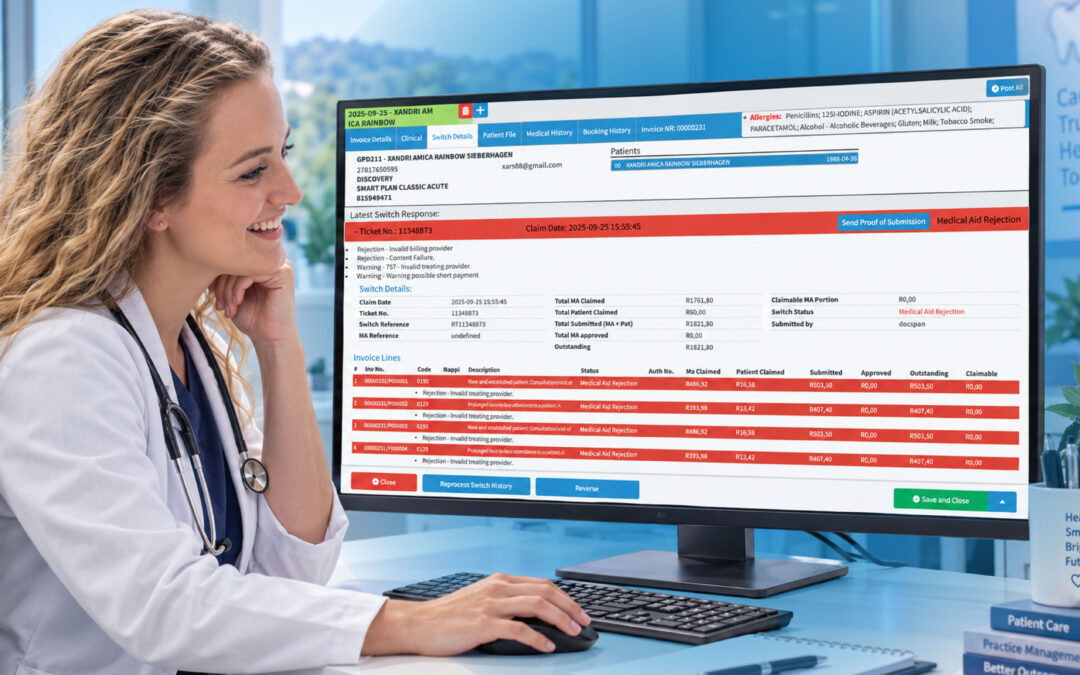
A good clinic management system should make important information easy to find.
The New Zealand PMS research you provided identified a Front Page function that displayed a summary of important patient information and provided an overview of the patient.
This is a small but powerful concept.
Clinicians shouldn’t have to click through multiple screens just to find essential information.
A useful patient overview can help staff quickly identify:
- Key medical conditions
- Allergies
- Important clinical information
- Recent activity
- Patient demographics
- Relevant alerts
Good system design reduces unnecessary searching.
That matters in busy practices where clinicians and nurses may need to access information quickly between consultations.
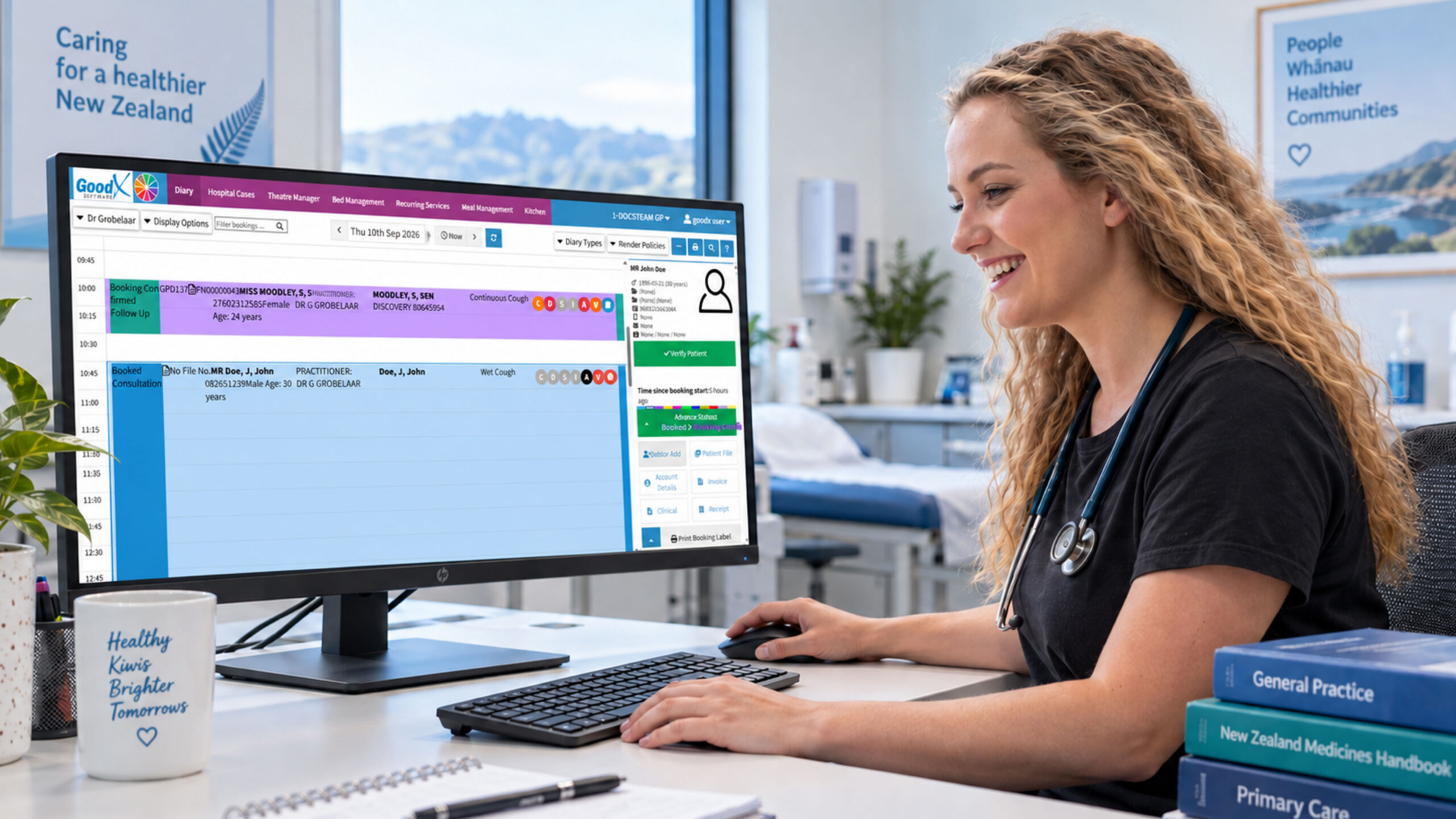
3. Appointment and Scheduling Management
Appointment management is another essential feature.
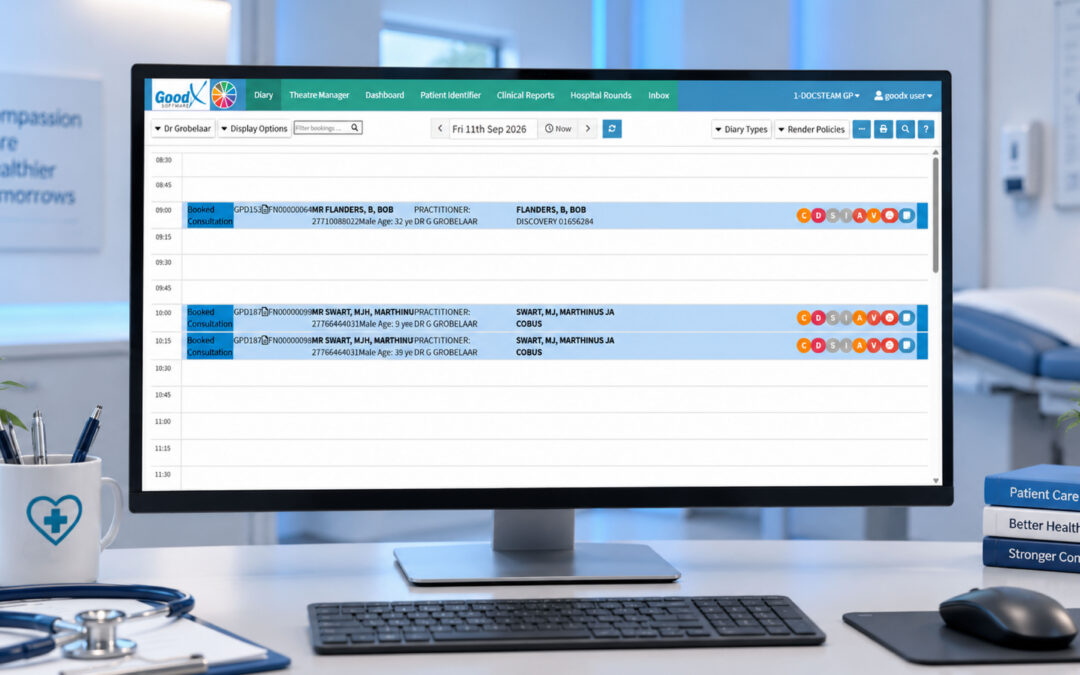
A clinic management system should give staff a clear view of appointments and make it straightforward to manage changes.
Useful functionality may include:
- Appointment calendars
- Practitioner availability
- Different appointment types
- Rescheduling
- Cancellations
- Follow-up appointments
- Patient bookings
- Appointment reminders
- Room or resource scheduling
A well-designed scheduling system can help reduce administrative workload and provide staff with a clearer picture of the clinic’s daily operations.
For example, GoodX provides an integrated diary and online booking functionality, with appointment scheduling and automated reminders as part of its practice management platform.
The important point isn’t simply that a system has a calendar.
The calendar should work as part of the wider practice workflow.
4. Clinical Notes and Documentation
Healthcare professionals need reliable tools for documenting patient consultations and ongoing care.
A clinic management system should make it easy to create, review and store clinical notes within the patient’s record.
Useful documentation functionality can support:
- Consultation notes
- Treatment information
- Clinical observations
- Follow-up instructions
- Referrals
- Communication records
- Patient history
However, usability matters.
The New Zealand PMS research identified poor formatting and layout as barriers to using certain system functionality.
That finding is worth remembering when comparing software.
A feature may look impressive during a sales demonstration, but if the interface is difficult to navigate, staff may avoid using it.
5. Electronic Referrals and Document Management
Paper-based workflows can create unnecessary administrative work.
Electronic document and referral management can help practices send and manage information digitally.
Depending on the system and integrations available, this can support:
- Electronic referrals
- Clinical correspondence
- Patient documentation
- Digital communications
- Information exchange
New Zealand’s broader digital-health environment also demonstrates the growing importance of systems being able to exchange relevant information appropriately.
The goal isn’t to share everything with everyone.
The goal is to ensure the right information can reach the right authorised healthcare professional when it is needed.
6. Recall and Preventive Care Management
Recall functionality can help practices identify patients who are due or overdue for follow-up care.
The New Zealand PMS research specifically identified Audit functionality that could be used to calculate due and overdue recalls and coverage rates for areas such as immunisation and cervical screening.
This type of functionality can help practices move from reactive administration toward more proactive care management.
A system can help staff identify outstanding activities rather than relying entirely on patients to remember when they need follow-up.
That can be particularly useful when managing large patient populations.
7. Reporting and Query Tools
Healthcare practices generate a significant amount of data.
But collecting data isn’t enough.
Practices need ways to turn data into useful information.
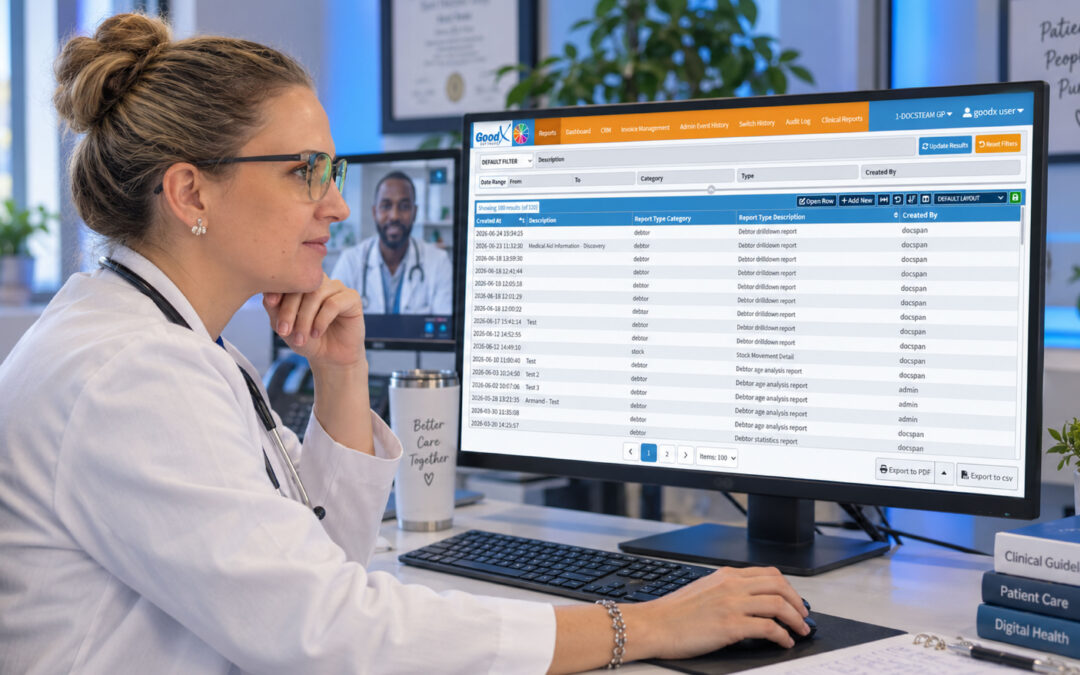
The New Zealand PMS study examined a Query Builder that allowed users to create queries and access information from the practice database.
Reporting and query tools can help practices understand:
- Patient populations
- Recall activity
- Service utilisation
- Practice trends
- Operational performance
- Areas requiring follow-up
These tools can support both day-to-day administration and longer-term practice improvement.
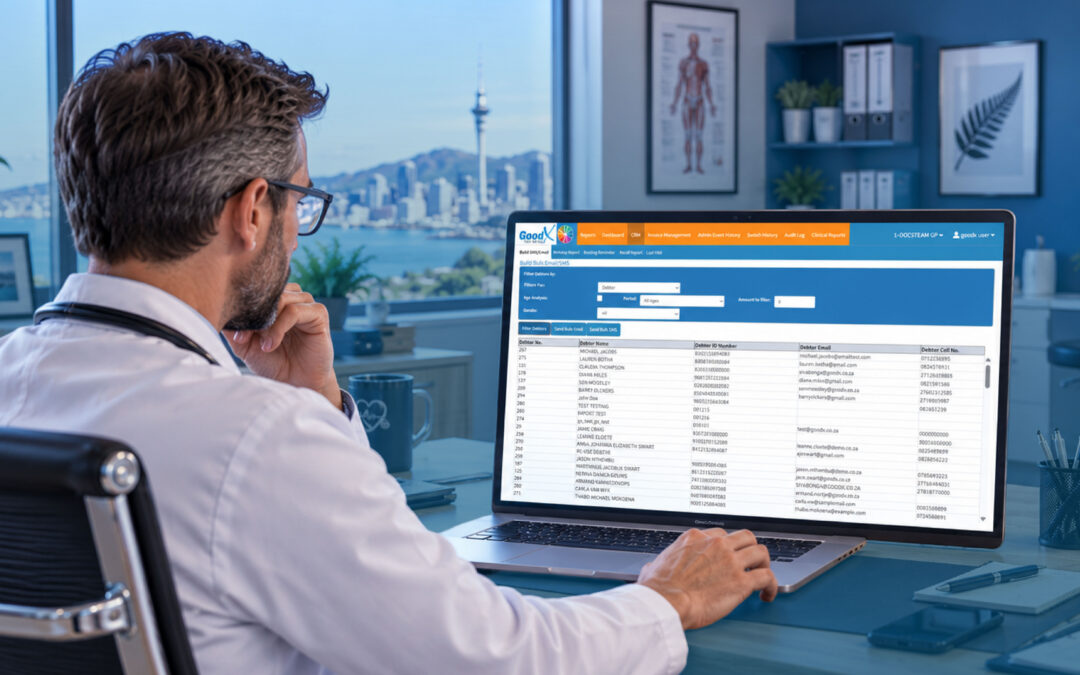
GoodX, for example, includes reporting capabilities within its practice management platform, giving practices access to operational and financial information.
8. Electronic Medication and Administrative Workflows
Some healthcare processes involve repetitive administrative tasks.
The New Zealand research highlighted Special Authority applications and acceptance as an example of a PMS function that could allow relevant medication requests to be sent and received electronically.
This demonstrates an important principle when evaluating software:
Don’t only look at the big features. Look at the small repetitive tasks too.
Saving a few minutes on one administrative task might not seem significant.
But if that task is performed dozens of times every week, the cumulative benefit can become substantial.
9. Patient Communication
Patient communication is another area where clinic management software can support practice efficiency.
Depending on the system, functionality may include:
- Appointment reminders
- SMS communication
- Email communication
- Patient notifications
- Patient portals
- Educational information
- Follow-up communication
The New Zealand PMS study also identified patient information leaflets as a feature that could support patient education.
GoodX’s New Zealand platform includes patient communication functionality such as SMS and email notifications, while its patient portal supports functions such as online appointment booking.
The wider lesson is simple: patient communication should be considered part of the overall patient journey, not an isolated administrative task.
10. Health Information Sharing and Interoperability
A modern healthcare practice doesn’t operate in isolation.
Patients may receive care from:
- General practices
- Specialists
- Hospitals
- Laboratories
- Pharmacies
- Allied health providers
- Other healthcare organisations
This makes interoperability an increasingly important consideration.
Health New Zealand’s Shared Digital Health Record work highlights the potential value of bringing relevant information from different sources together, including information relating to allergies, medical conditions, vital signs, medications, immunisations, laboratory results, radiology and hospital information.
For clinics evaluating software, this means asking:
Can the system work effectively within the wider New Zealand healthcare information environment?
Interoperability isn’t just a technical buzzword. It can influence how quickly and accurately relevant information moves between authorised healthcare providers.
11. Privacy and Security
Healthcare information is highly sensitive.
Consequently, privacy and security should be among the first considerations when evaluating clinic management software—not something added at the end of the buying process.
Important areas to investigate include:
- User authentication
- Role-based access
- Audit trails
- Access monitoring
- Secure information exchange
- Data protection
- Backup and recovery
- Privacy controls
Health New Zealand’s Shared Digital Health Record information emphasises strong privacy and security controls and monitoring of access to health information.
For a practice, this means asking detailed questions about who can access patient information, what they can access, and how access is monitored.
GoodX also describes security, role-based access and audit capabilities within its platform. Practices should still assess these capabilities against their own privacy, governance and security requirements before choosing any system.
12. Usability and Staff Training
Perhaps one of the most important findings from the New Zealand research is that technology alone doesn’t guarantee success.
The study found that limited knowledge was a major barrier to feature utilisation, and it identified an association between limited knowledge and lower use of PMS functionality.
This has a major implication for practices.
When evaluating a clinic management system, don’t simply ask:
“Does it have the feature?”
Ask:
“Will our team actually use the feature?”
Consider:
- How intuitive is the interface?
- What training is provided?
- Is onboarding available?
- Can new staff learn the system efficiently?
- Is technical support available?
- Can workflows be configured?
- Are staff shown the full capabilities of the system?
A sophisticated feature that staff don’t understand may deliver little practical value.
How GoodX Fits Into the Picture
For New Zealand practices looking at these requirements, GoodX New Zealand is one example of a practice management platform that brings several clinical, administrative and financial functions together.
GoodX describes its New Zealand platform as an integrated system covering areas such as patient management, scheduling, clinical notes, billing and reporting. It also provides web-based access and online booking functionality.
That integrated approach can be useful for practices that want to reduce the number of disconnected processes their staff manage throughout the day.
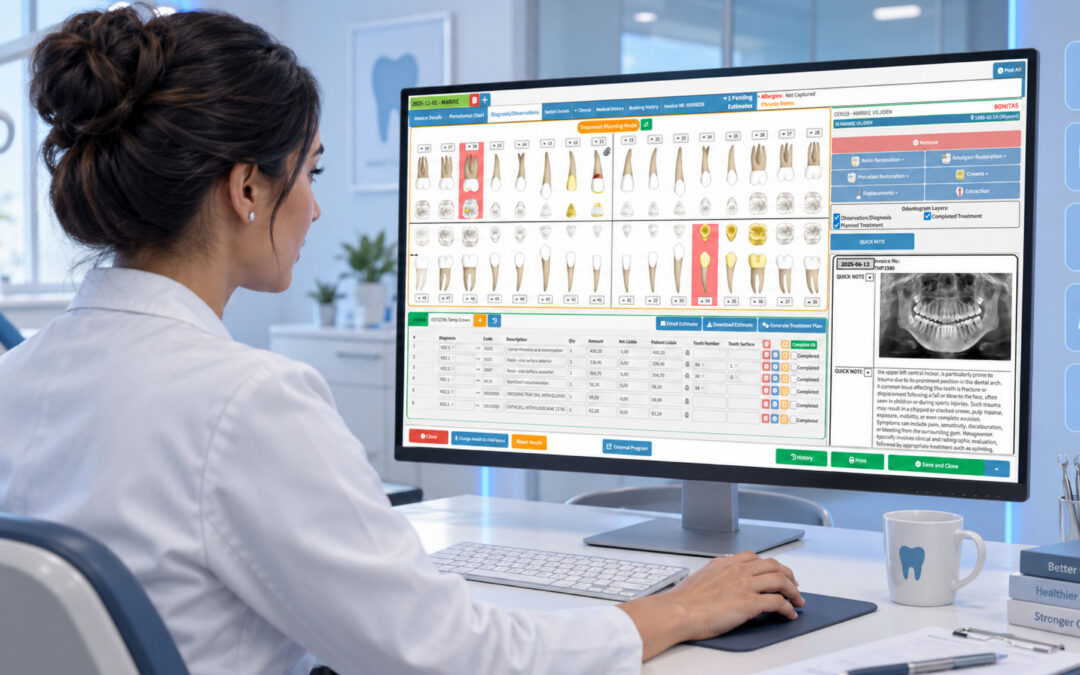
GoodX also provides functionality aimed at different practice types, including specialist healthcare providers, with features such as scheduling, clinical notes, billing, claims processing and reporting.
However, the same principle applies to GoodX as it does to any other platform:
The right software is the one that fits the practice’s actual needs, workflows, budget, staff capabilities and information-management requirements.
A product should be evaluated based on what it can practically achieve for the particular clinic—not simply on the number of features appearing on a brochure.
What Should NZ Practices Look For?
When comparing clinic management systems, create a checklist around five key areas.
Clinical functionality
Look for:
- Electronic patient records
- Clinical notes
- Patient overview
- Allergies and medical conditions
- Medication information
- Referrals
- Test results
- Recall management
Administrative functionality
Consider:
- Appointment scheduling
- Patient registration
- Communication tools
- Billing
- Claims
- Document management
- Reporting
Integration
Ask about:
- Electronic referrals
- Health information exchange
- Laboratory and radiology connections
- Medication-related workflows
- Patient portals
- Other relevant healthcare integrations
Security
Investigate:
- User permissions
- Authentication
- Audit trails
- Data protection
- Backup processes
- Secure information exchange
Training and usability
Finally, involve the people who will actually use the system.
Ask GPs, nurses, receptionists and practice managers:
What slows you down today?
Which processes create duplicate work?
What information is difficult to find?
Which tasks would you most like to automate?
Their answers may be more valuable than a long list of software features.
Why More Features Don’t Always Mean a Better System
It’s easy to compare systems by counting features.
System A has 50.
System B has 80.
So System B must be better.
Not necessarily.
The New Zealand research provides a useful warning. Even when useful PMS functionality exists, utilisation can be limited by lack of knowledge, training requirements, poor layout and other usability barriers.
The best system isn’t necessarily the one with the longest feature list.
It’s the one that helps your team complete important work efficiently and consistently.
Final Thoughts
The most valuable clinic management system features are the ones that support both patient care and the practical realities of running a healthcare practice.
For New Zealand practices, these can include:
- Electronic patient records
- Patient overviews
- Appointment scheduling
- Clinical documentation
- Electronic referrals
- Recall management
- Reporting and query tools
- Patient communication
- Electronic workflows
- Health information sharing
- Privacy and security controls
- Staff training and support
Platforms such as GoodX demonstrate how multiple clinical, administrative and financial functions can be brought together within one practice management environment.
But technology is only one part of the equation.
The real value comes when the software, the people and the workflow work together.
When choosing a clinic management system, look beyond the feature list. Consider usability, training, interoperability, security and the specific needs of your practice.
A good system shouldn’t simply store information.
It should help your clinic turn information into better-organised workflows, more efficient administration and better-supported patient care.
Contact our team to book your free GoodX demo.
Disclaimer: This article is provided for general informational and educational purposes only. While GoodX Software takes reasonable care to ensure that the information is accurate and current at the time of publication, laws, regulations, industry standards, healthcare policies and technology may change. The content should not be regarded as medical, legal, financial or other professional advice. Readers should verify information relevant to their circumstances and consult an appropriately qualified professional where necessary. GoodX Software accepts no responsibility for decisions made or actions taken solely on the basis of this content.