Dental Practice Management Software Comparison: What NZ Dentists Need to Know
Choosing the right software can have a major impact on how smoothly a dental practice operates. A good dental practice management software comparison should look beyond price and focus on the features that actually make daily work easier for dentists, practice managers, staff, and patients.
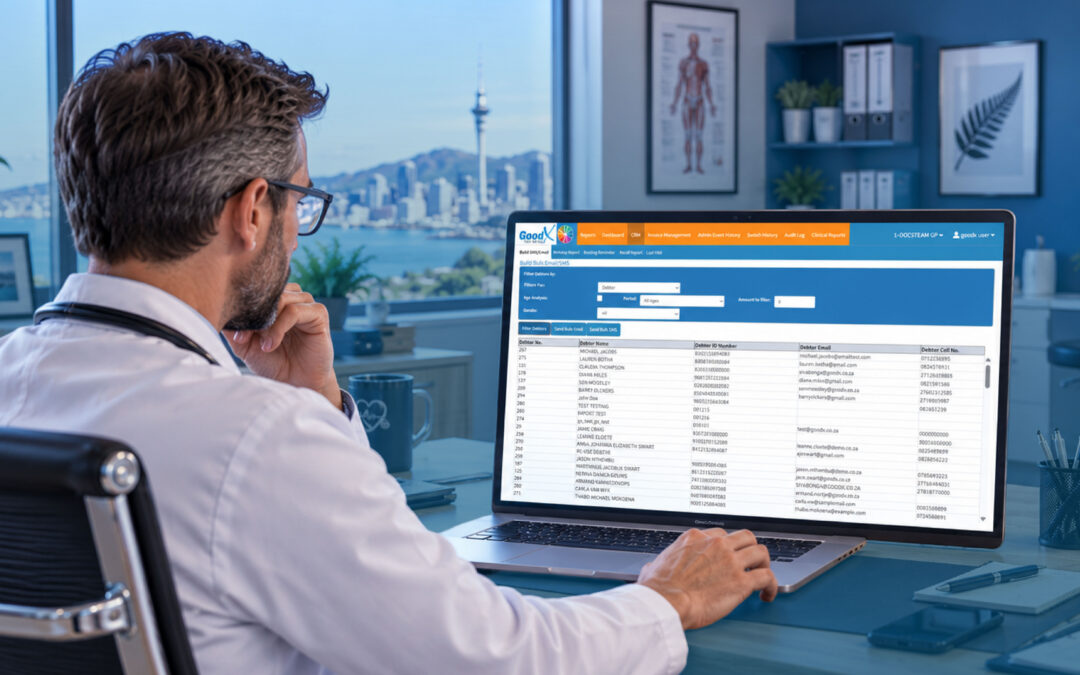
For New Zealand dental practices, the right system can bring appointments, billing, patient records, communication and reporting together in one place. This can reduce repetitive administration and give the team more time to focus on delivering quality patient care.
What Is Dental Practice Management Software?
Dental practice management software is designed to help practices manage both their administrative and patient-facing activities.
Unlike general business software, dental-specific systems can include features designed around the way dental clinics operate. Instead of keeping information across multiple spreadsheets, systems and paper records, practices can manage important information from a central platform.
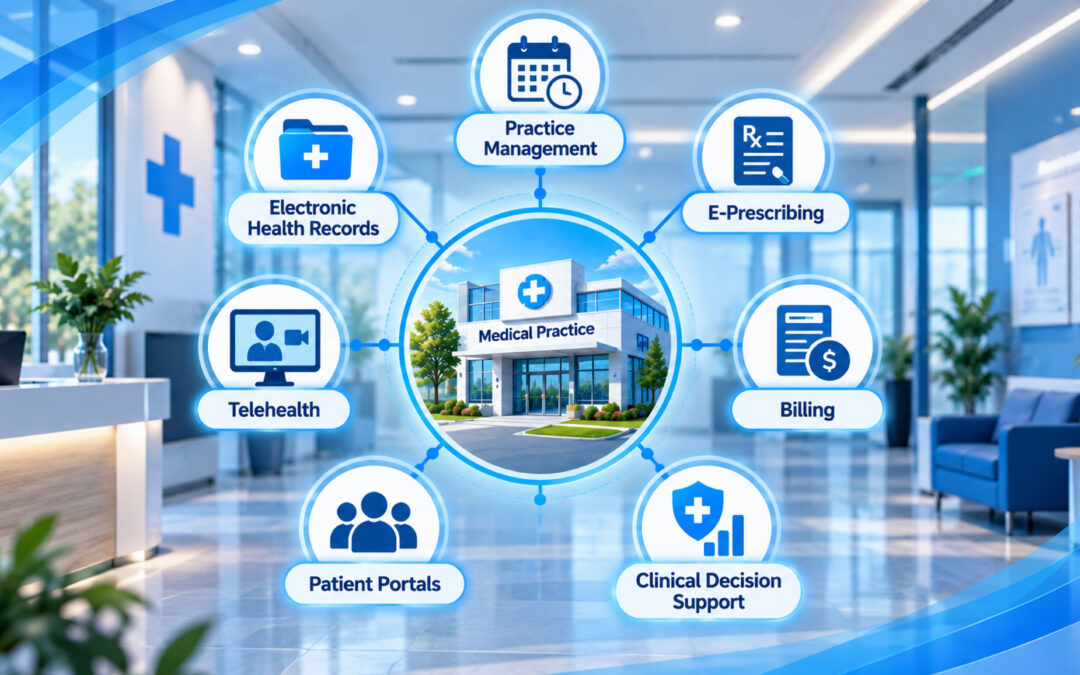
Depending on the system, this can include:
- Appointment scheduling and calendar management
- Patient records
- Billing and payment tracking
- Claims management
- Patient portals
- Appointment reminders
- Reporting and analytics
- Integration with dental technology
The overall goal is simple: reduce unnecessary administration while giving the practice better control over its day-to-day operations.
Key Features to Compare
When conducting a dental practice management software comparison, it helps to consider how each system handles the areas that matter most to your practice.
1. Appointment Management
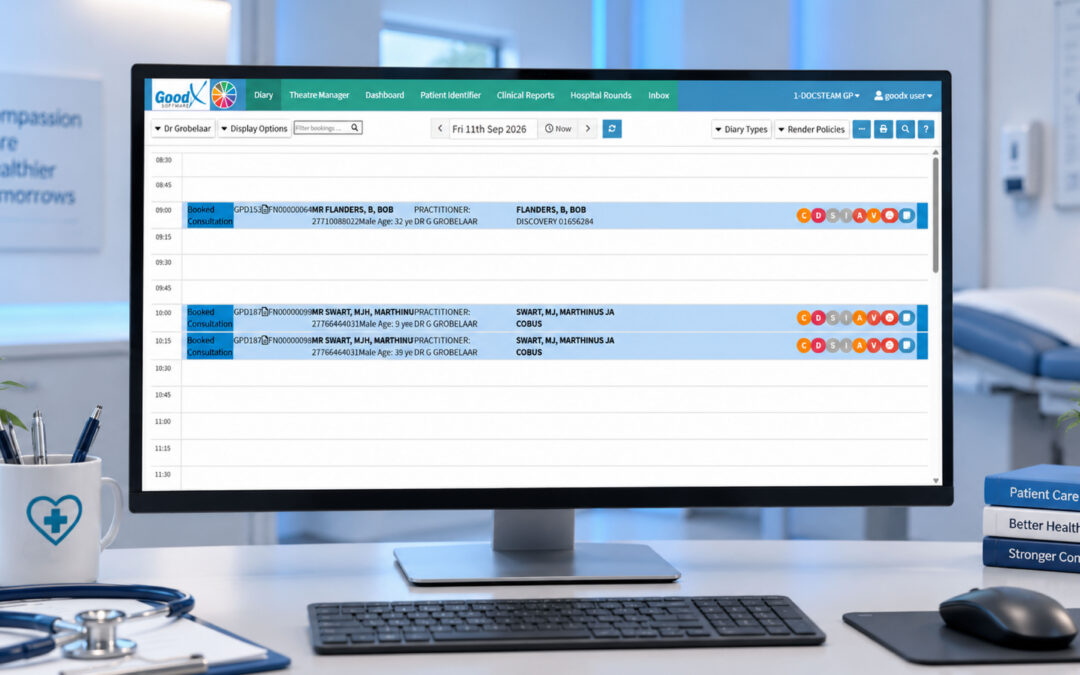
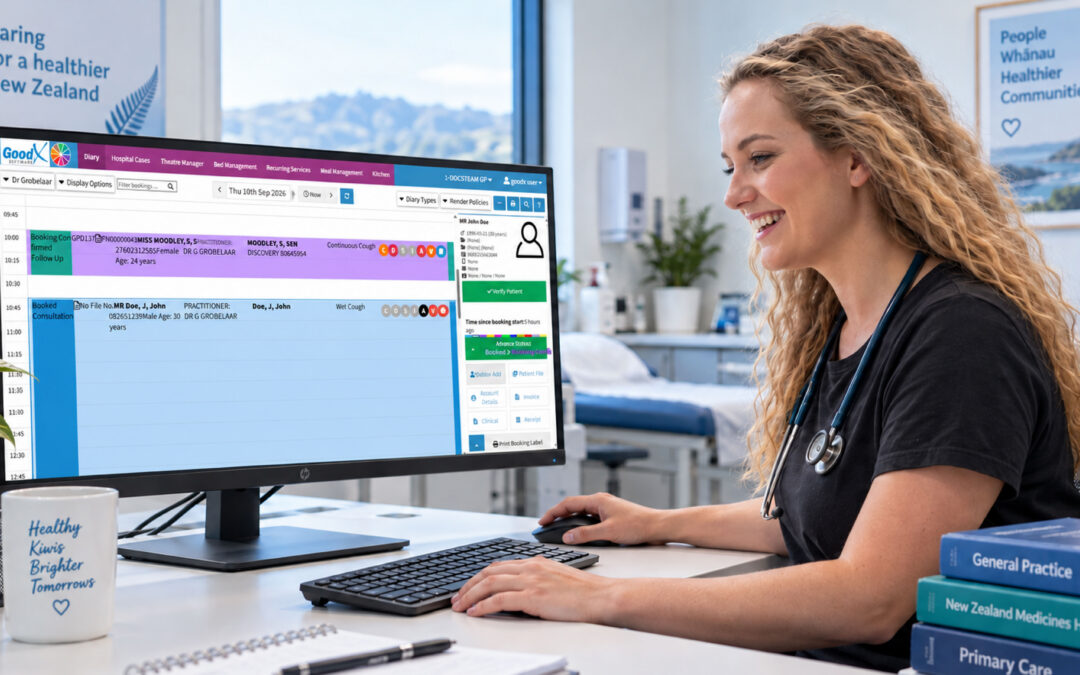
Scheduling is at the heart of a dental practice. Software should make it straightforward to book, manage and track appointments.
A well-organised scheduling system can help staff quickly see availability, manage the practice calendar and keep appointment information up to date.
Appointment reminders are another useful feature. Automated communication can reduce the amount of manual work required by reception staff while making it easier for patients to remember upcoming visits.
2. Billing and Payments
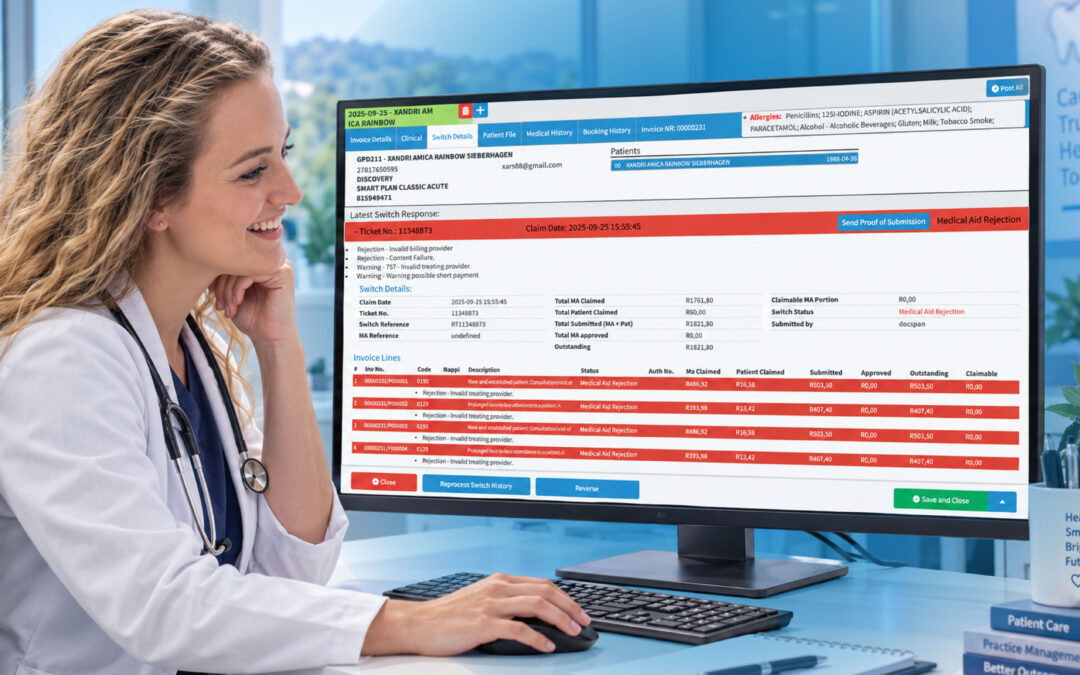
Billing is another important consideration when comparing dental management systems.
A capable practice management system can record fees, help manage claims and track payment status. Automated billing reminders can also reduce the amount of manual follow-up required from staff.
This can save valuable time while giving the practice greater visibility over outstanding payments and its overall administrative workload.
3. Dental Records
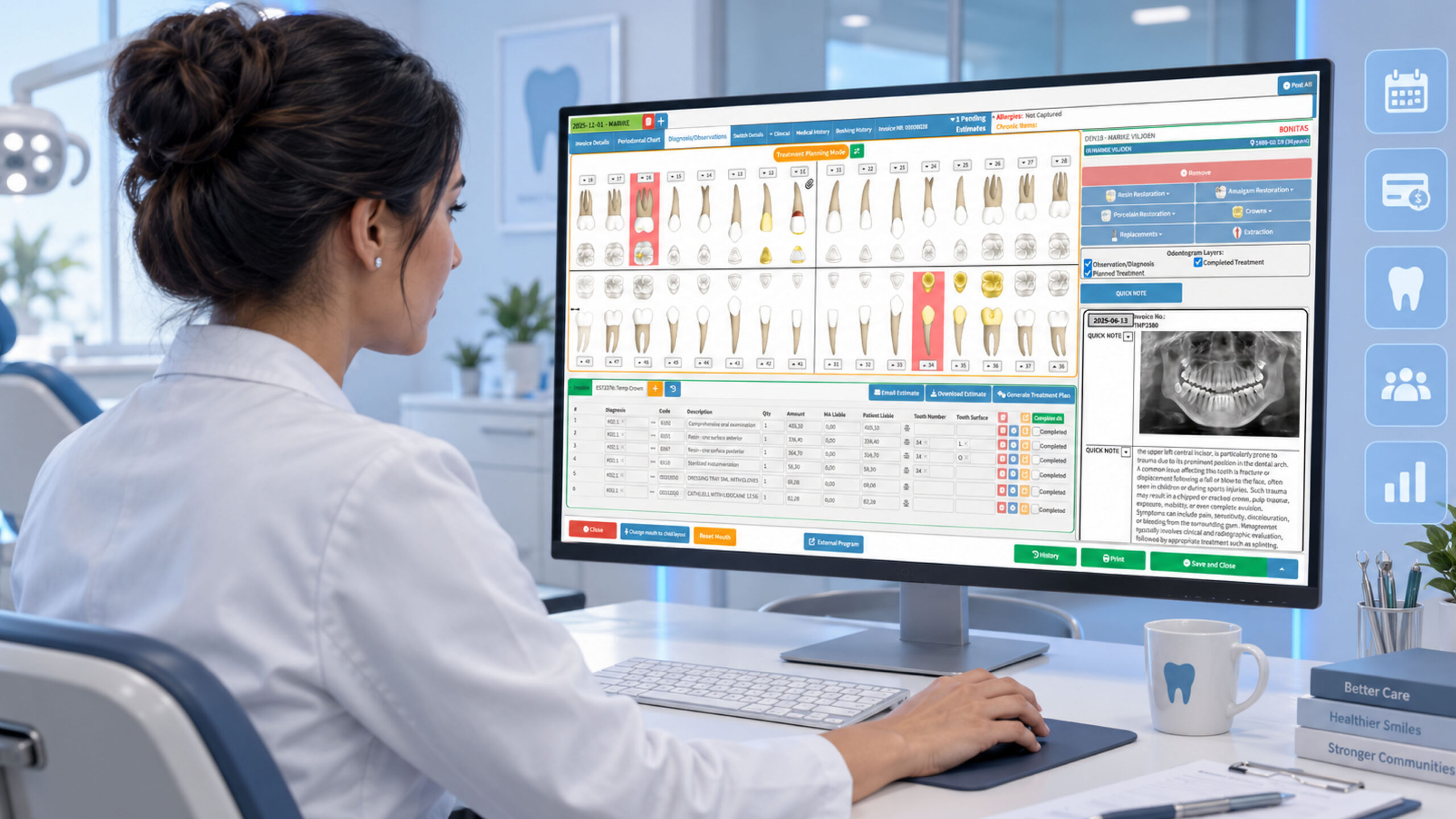
Dental practices need more than a basic customer database.
The software should support detailed dental records and, where applicable, work alongside technology such as X-ray sensors, intra-oral cameras, panoramic equipment and other dental systems.
Keeping relevant information accessible from one place can make it easier for the dental team to find what they need and manage patient information efficiently.
4. Patient Portals
Patient expectations have changed. Many people now expect to complete everyday tasks online rather than calling a practice for everything.
A patient portal can allow patients to access relevant information, view invoices, manage records and book appointments online.
This type of self-service can create a more convenient experience for patients while reducing some of the administrative workload for the practice team.
Some systems may also offer mobile access or apps, giving patients another way to interact with the practice.
5. Reporting and Analytics
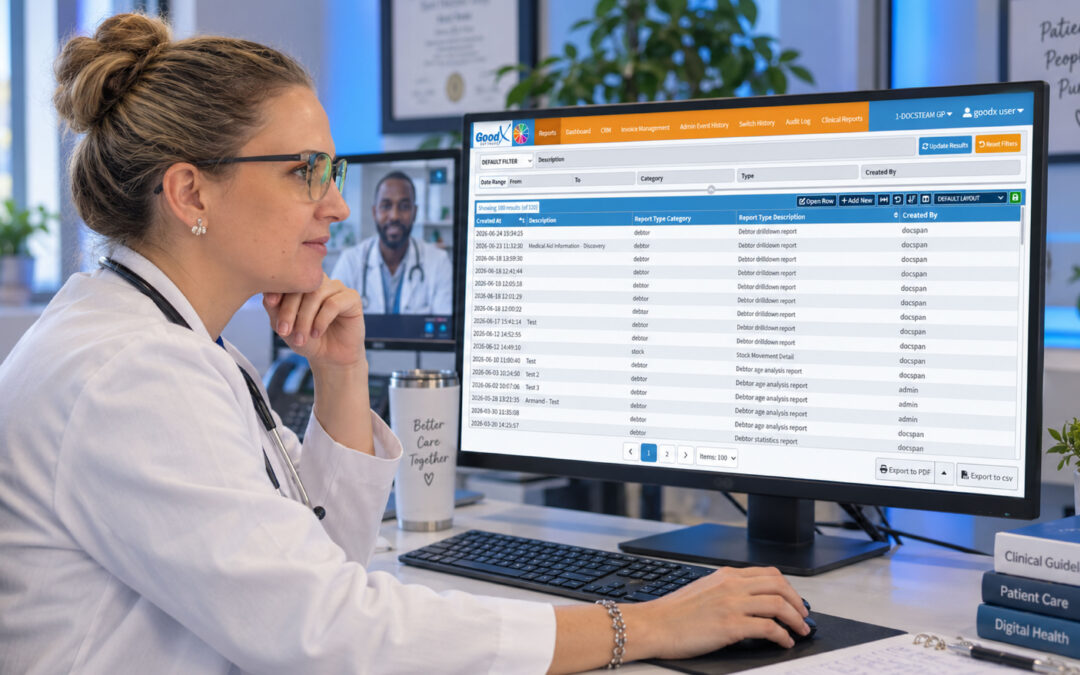
Good reporting can turn everyday practice data into useful information.
Rather than manually collecting information from different sources, practice management software can bring data together and help identify patterns.
For example, practices may be able to monitor patient visits, appointment activity and retention trends to understand where improvements could be made.
These insights can support better decision-making instead of relying entirely on assumptions.
What About Software Options Such as GoodX?
There are several dental practice management software options available, so it is important not to choose a system simply because it has a long list of features.
GoodX, for example, can be considered as part of a wider software comparison when evaluating solutions for practice administration and management.
However, the most important question is whether a particular platform fits the needs of your practice.
When comparing GoodX with other options, consider:
- How easy is the software for staff to use?
- Does it cover the administrative tasks performed every day?
- Can it support your patient-management processes?
- Does it provide useful reporting and insights?
- Can it work with the technology your practice already uses?
- Will it continue to meet your needs as the practice grows?
- Can it help reduce repetitive manual tasks?
A feature may look impressive on paper, but if your team finds the software difficult to use, it may not deliver the expected value.
Why the Right Software Matters
Running a dental practice involves much more than treating patients. There are appointments to manage, payments to track, records to maintain and patients to communicate with.
The right software can help streamline workflows and improve efficiency, while also supporting staff satisfaction.
It can also provide useful insights into patient behaviour and retention. If patient visits begin to decline, having access to reliable practice data can help identify potential issues and encourage the team to review its patient-retention strategy.
For growing practices, scalability is also worth considering. A system that works for a small clinic should ideally be capable of supporting additional staff, patients and administrative requirements as the business develops.
How to Choose the Right Dental Software
Before making a decision, start by identifying the biggest challenges within your practice.
For example, perhaps your reception team spends too much time managing appointments manually. Maybe billing requires excessive follow-up, or patient information is spread across different systems.
Once these challenges are clear, compare software based on the features that can address them.
A useful checklist includes:
Ease of use: Can your team learn and navigate the system comfortably?
Core functionality: Does it cover scheduling, billing, records and patient management?
Patient experience: Can patients conveniently interact with your practice online?
Reporting: Does the software provide information that can support better decisions?
Integration: Can it work alongside the dental technology and systems you already use?
Future growth: Will the software continue to suit your practice as it expands?
The bottom line
The best dental practice management software comparison isn’t necessarily about finding the software with the most features. It is about finding a system that fits the way your New Zealand dental practice actually works.
Start by identifying your biggest administrative challenges, then compare systems based on scheduling, billing, dental records, patient portals, reporting, usability and integration.
Whether you’re considering GoodX or another practice management platform, take the time to evaluate how the software could improve your everyday workflow.
The right system should do more than store information. It should help your team work smarter, reduce unnecessary administration and create a smoother experience for your patients.
Contact our team to book your free GoodX demo.
Disclaimer: This article is provided for general informational and educational purposes only. While GoodX Software takes reasonable care to ensure that the information is accurate and current at the time of publication, laws, regulations, industry standards, healthcare policies and technology may change. The content should not be regarded as medical, legal, financial or other professional advice. Readers should verify information relevant to their circumstances and consult an appropriately qualified professional where necessary. GoodX Software accepts no responsibility for decisions made or actions taken solely on the basis of this content.